

Experts
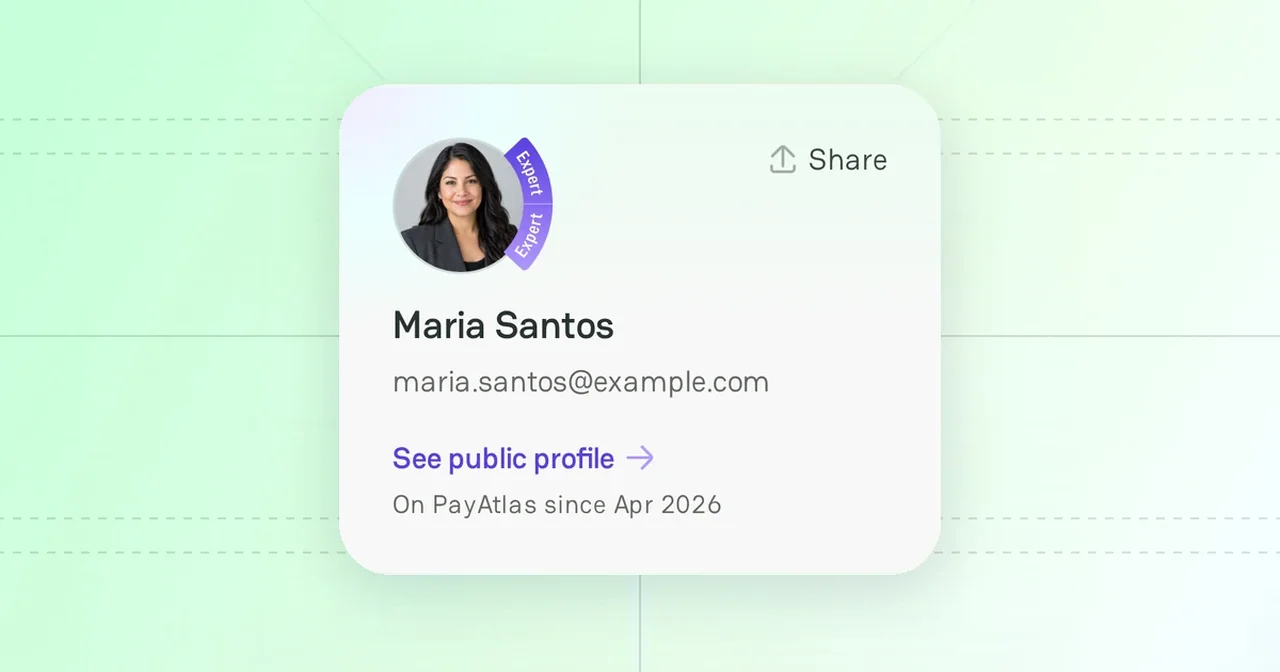
Experts are the payment professionals of the PayAtlas community: consultants, compliance and risk specialists, and other practitioners. Merchants and payment teams find them in the Experts catalog. You can join the catalog with an expert profile.
Experts catalog
Open Experts from the Community menu in the header, or go to /experts.
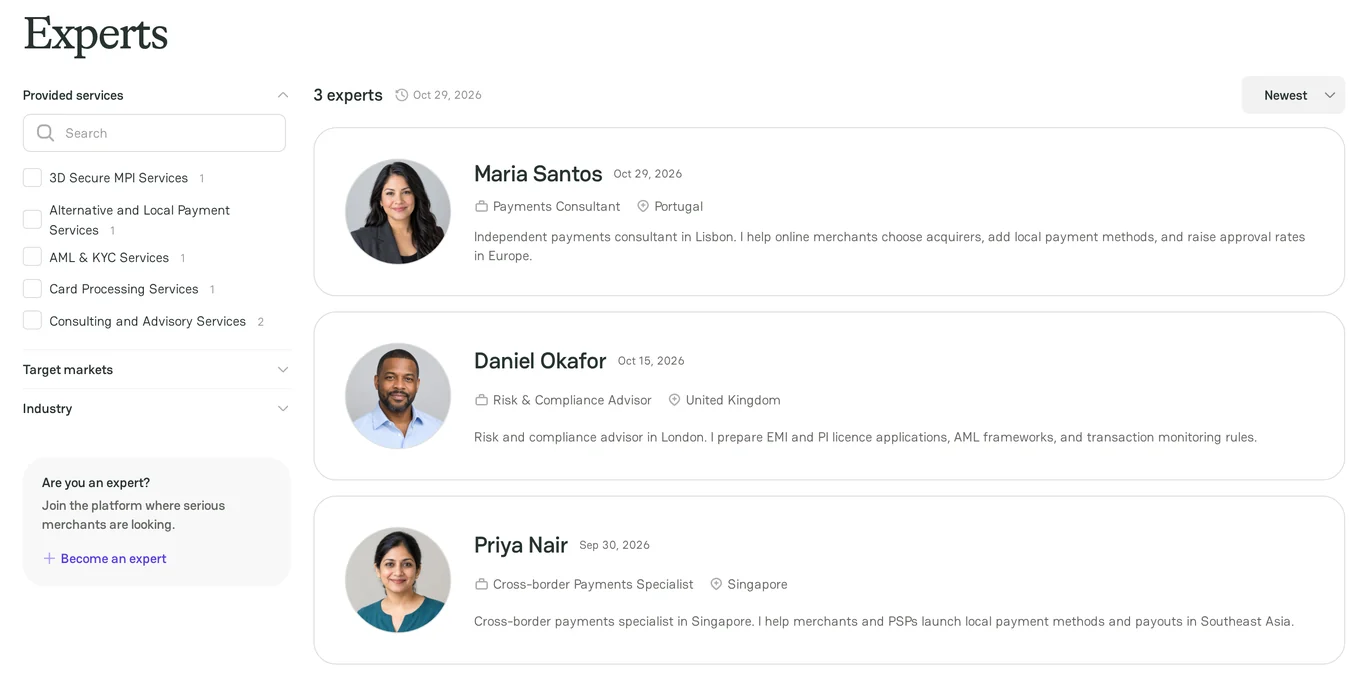
- Filter the catalog by Provided services, Target markets, and Industry.
- Sort the catalog by Newest or Alphabetical.
- Each card shows the name, the role and the company, the location, a short bio, and the date when the person became an expert.
Contact an expert
- In the catalog, click the name of the expert. The public profile of the expert opens.
- In My Services, select a service.
- Write to the expert by email or on LinkedIn.
If the expert has not shared contact details yet, the profile says so.
Create your expert profile
Make sure that you are signed in. Any PayAtlas user can become an expert.
- Click your avatar in the header, and then click Account settings.
- Click Expert Profile.
- In Bio, tell clients about your experience. The bio can have up to 2,500 characters.
- In Focus areas, select at least one item:
- Services: the services that you offer. Click Manage service details to add a Short description (up to 250 characters) and an optional Pricing (up to 100 characters) for each service.
- Industries: the industries that you support.
- Geography: the countries and regions that you cover.
- Click Save Changes.
- Click Enable Expert Profile.
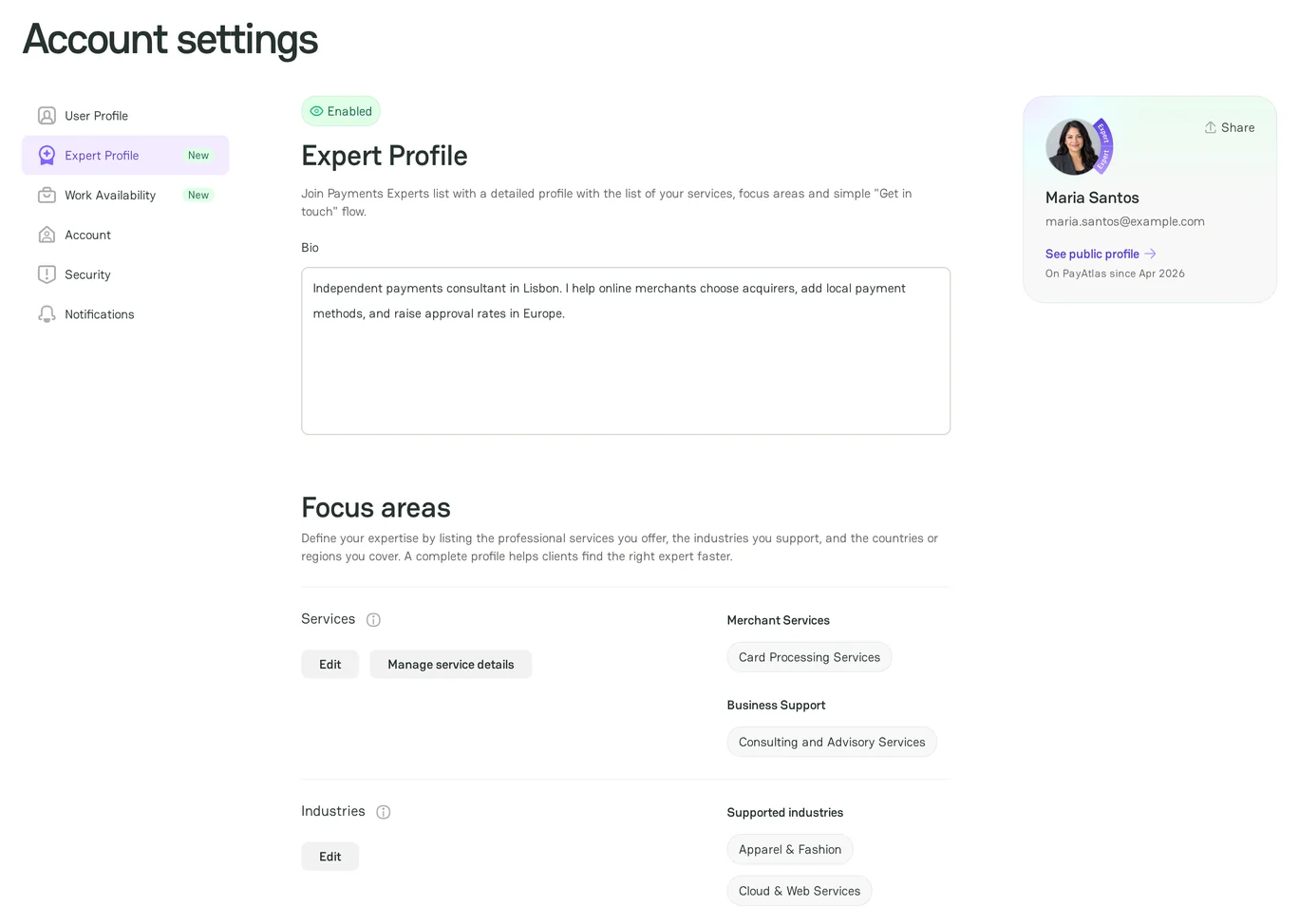
Your profile appears in the Experts catalog at once. The PayAtlas team does not check it first.
Public contacts
Clients contact you with the details that you show on your public profile. Add them on the User Profile tab of Account settings, in Contacts:
- Public contact email: select the check box that allows PayAtlas to show the email on your public profile.
- Links to your LinkedIn, Facebook, X, and Instagram pages.
Your login email always stays private.
Turn off the expert profile
- On the Expert Profile tab, click Disable Expert Profile.
- Click Disable profile.
While the profile is off, you are not in the catalog, and your public profile hides your services, industries, and geography. Your settings stay saved. If you remove all your focus areas, PayAtlas turns off the profile automatically.
Share your expertise
An expert profile works best with the content that you publish:
- Answer questions and start conversations in Discussions.
- Publish articles. For more information, see Create Article.
- Organize events. For more information, see Create Event.
- Rate the providers that you worked with. For more information, see Create Review.
- Base your advice on current provider data. For more information, see Atlas, Find a provider in Atlas, and Compare providers.
If you work for a company on PayAtlas, select it in Current company on the User Profile tab. Your expert card then shows the company.



Comments