

Articles
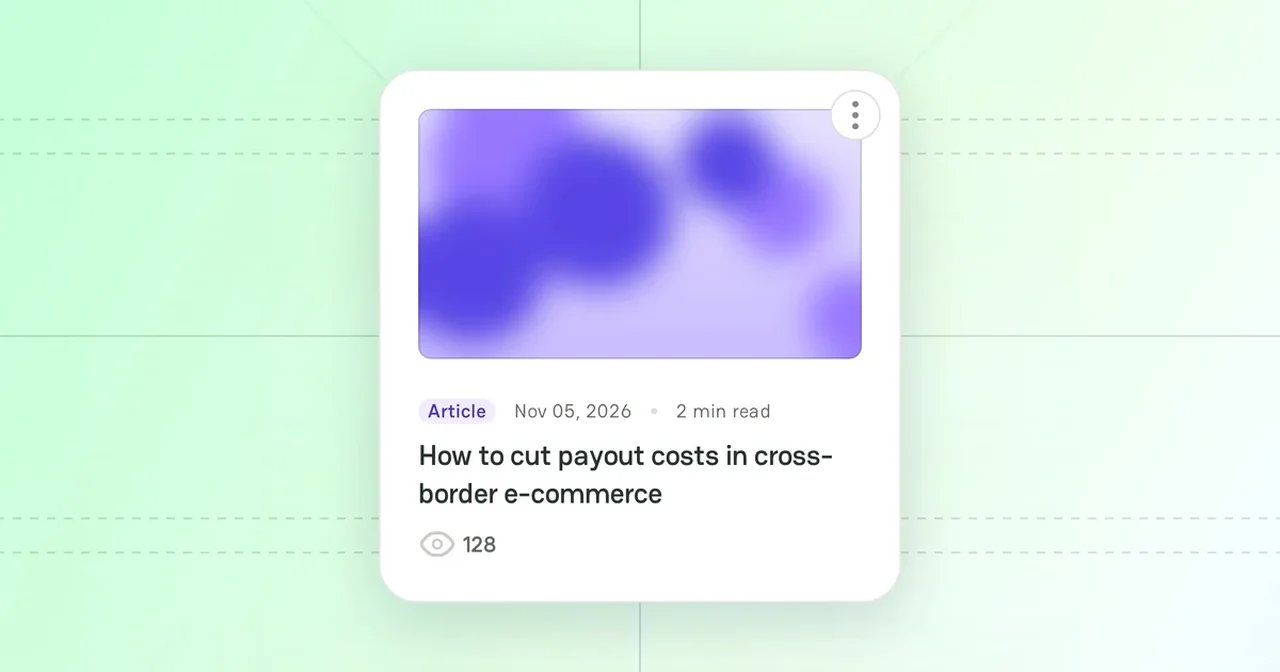
An Article on PayAtlas is an original piece of content that a registered user writes. Articles help you share your expertise, show your Company to the payments community, and bring readers to your profile and your Company Profile.
Article types
When you create an article, you select its type:
| Type | Use it for |
|---|---|
| Article | A general post, a case study, an interview, or industry insights |
| Guide | A practical "how-to" text, such as "How to start accepting payments" |
You cannot change the type after you save the article.
For your information, the PayAtlas team writes the Glossary terms and the News & Announcements. You cannot create them.
Journal
The Journal is the public feed of all published articles. To open it, hover over Community in the top menu and click Journal.
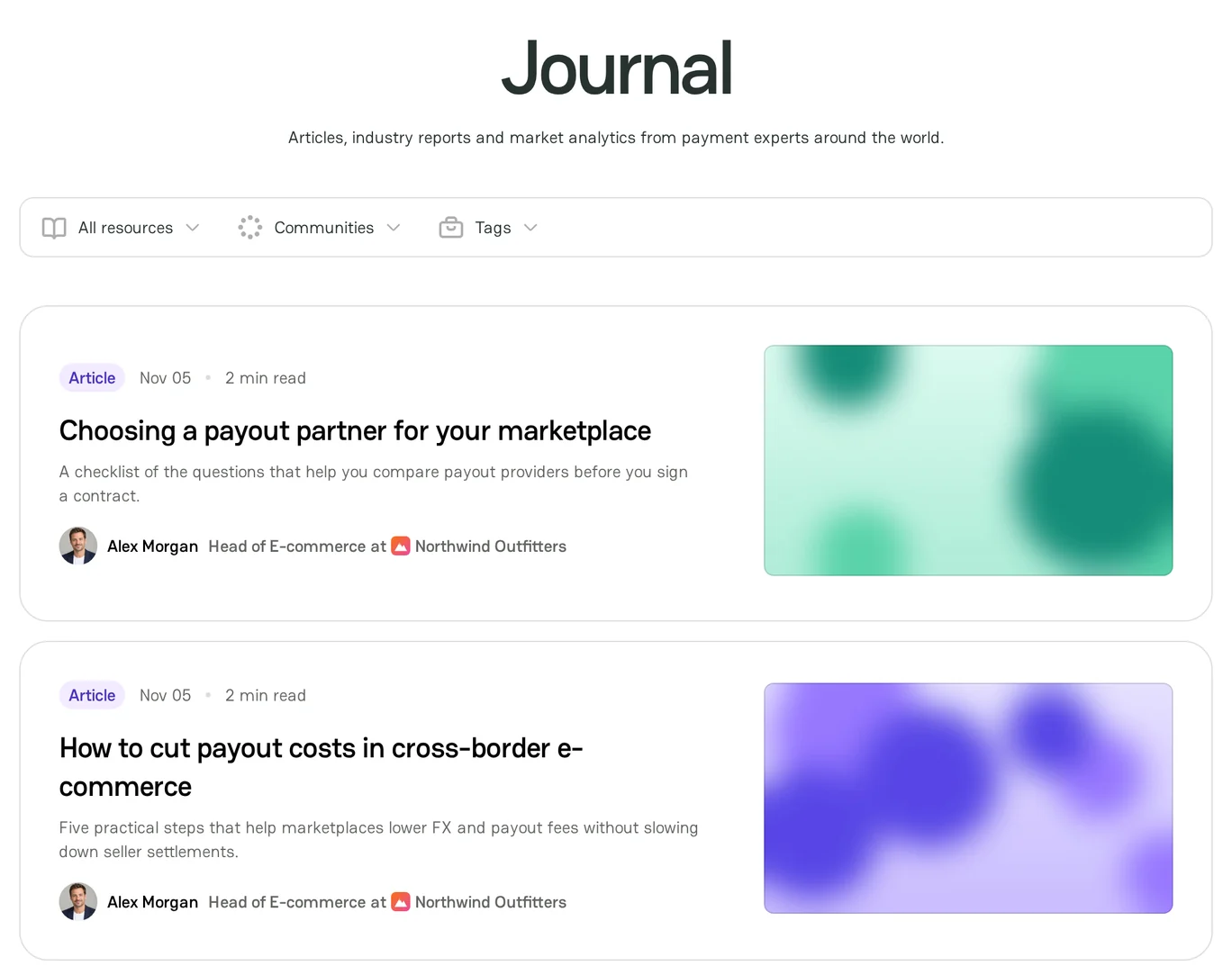
- Use the All resources list to show only Articles, Glossary, Guides, or News & Announcements.
- Use the Communities and Tags filters to show the articles of one topic, industry, or region.
- Click an article to read it. Readers can upvote an article and add comments.
An article that you publish on behalf of your Company also shows on the Company Profile.
My Articles
My Articles is your personal workspace. It lists all your articles, and each card shows the type, the date, the reading time, and the status of the article. To open it, go to My Dashboard and click the Articles card.
| Status | What it means |
|---|---|
| No status | The article is published. Everyone can read it. |
| Draft | The article or its latest changes are not published yet. |
| On moderation | A moderator checks the article. Readers cannot see it until the moderator approves it. |
| Declined | A moderator declined the article. Readers cannot see it. |
| Archived | You moved the article to the archive. Readers cannot see it. |
Moderation
The type of your email address decides whether a moderator checks your article:
- If you signed up with a personal email address, such as Gmail, a moderator checks each article before it goes live. The same applies when you publish changes to an article.
- If you signed up with a corporate email address, your article goes live at once.
A moderator checks that the article is respectful, has no offensive language, and is not advertising. If the moderator declines the article, the card in My Articles shows the Declined status. Hover over the status to see the comment of the moderator. For the next steps, see Manage Articles.
Features
- Create Article: write an article or a guide and publish it.
- Manage Articles: edit, archive, restore, and delete your articles.



Comments