

Find a provider in Atlas
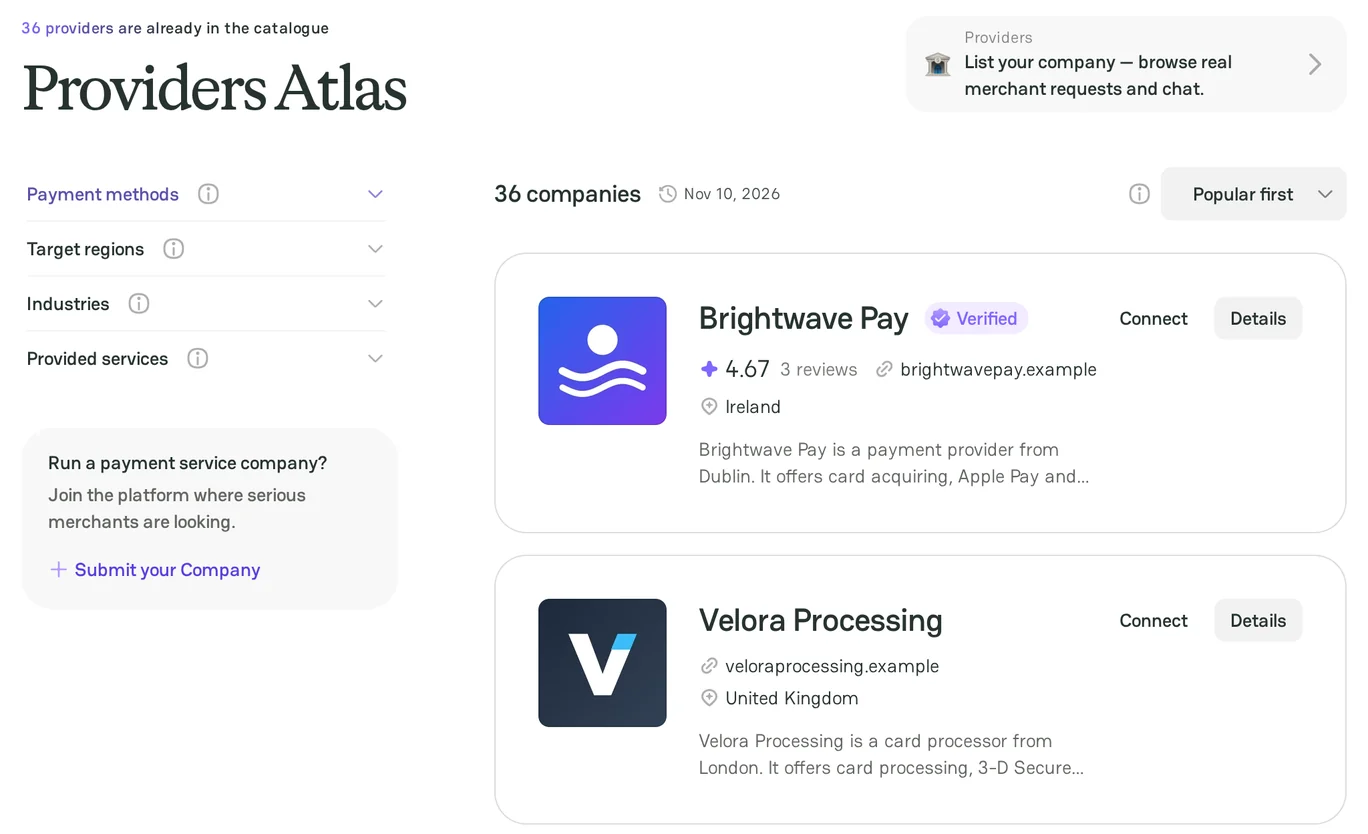
The Providers Atlas page lists the payment providers on PayAtlas. Use the filters to keep only the providers that support what your business needs. You do not need an account to filter and sort the directory.
Directory
- Open the Providers Atlas page. You can also point to Atlas in the site header and click Browse all companies.
- Look at the toolbar above the list. It shows the number of companies that match your filters and the date of the last catalog update.
Filters
The filter panel is on the left. It has four filter groups:
| Filter group | Atlas shows the providers that |
|---|---|
| Payment methods | Support the selected payment methods |
| Target regions | Work in the selected regions and countries |
| Industries | Serve the selected industries |
| Provided services | Offer the selected services |
To filter the directory:
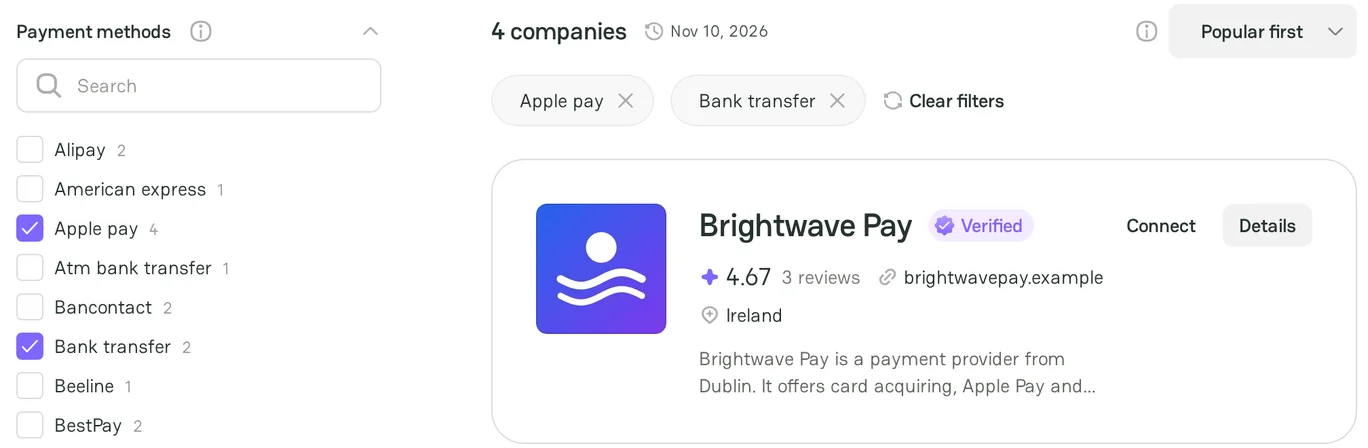
- Click the name of a filter group to expand it. The Payment methods group is open when the page loads.
- Optional: type in the Search field of the group to find an option. The number next to an option shows how many providers have it.
- Select one or more options. The list updates after each selection.
- Repeat the steps for the other filter groups that you need.
Be aware that Atlas shows a provider if it matches at least one selected option of a group. When you use two or more groups, the provider must match each group.
Filter on a mobile device
- Click Filters above the list.
- Select the options.
- Click Apply.
Remove filters
- To remove one option, click the cross on its chip above the list.
- To remove all options, click Clear filters.
If no provider matches the filters, the page shows No companies found. Click Clear filters, or remove some options.
Sorting
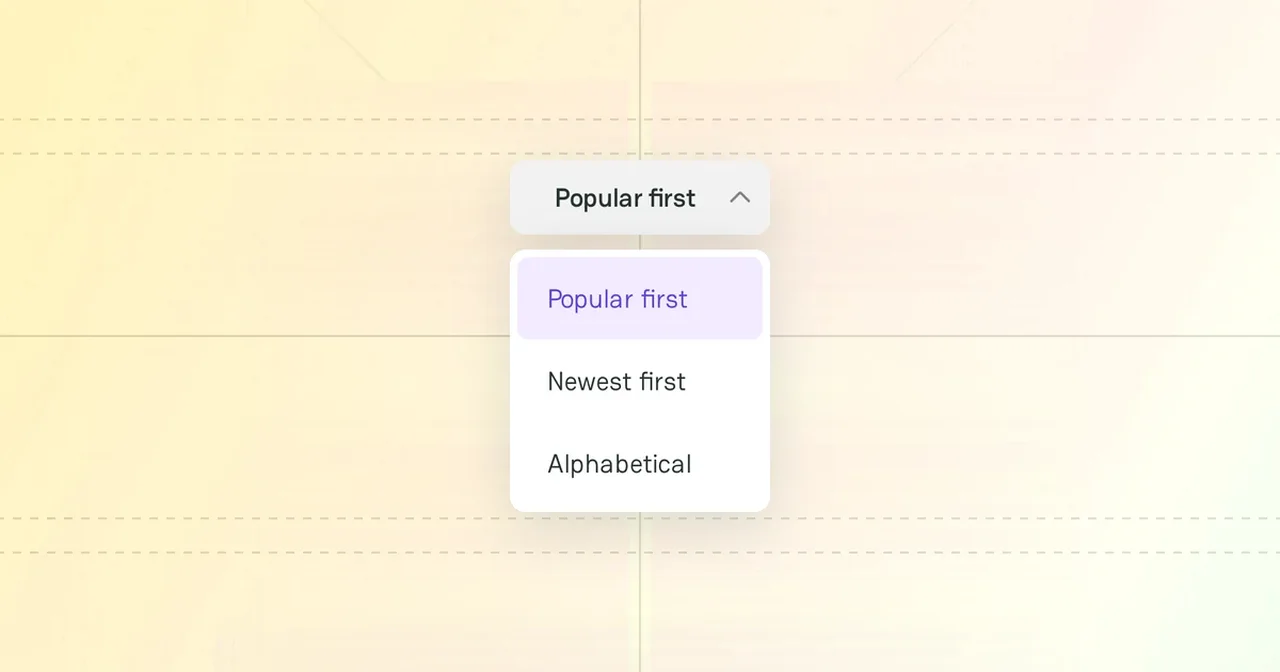
To change the order of the providers, open the sort list in the top right of the toolbar:
| Option | Order |
|---|---|
| Popular first | Providers with a higher average rating come first. Then Atlas uses the number of reviews and the number of profile views. This option is the default. |
| Newest first | Providers that joined PayAtlas most recently come first. |
| Alphabetical | Providers in the order of their names, from A to Z. |
Results
Each card shows the logo and name of the provider, its badges, its rating, its website, its headquarters country, and a short description. For more information about the card, see Provider profile.
- Click Details to open the profile of the provider.
- Click Connect to start a chat with the provider. You need a PayAtlas account and a merchant Company.
The list shows 15 providers on one page. To see more providers, click Show more or a page number.
Filtered link
The address of the page keeps your filters and the sort option, for example https://payatlas.com/atlas?regions={region}&sort=newest. Copy the address to bookmark the list or to share it with your team.
For some regions, Atlas opens a separate page with its own address, title, and description, for example https://payatlas.com/atlas/{region}/{service}. The filters on this page work in the same way.
Next steps
- To check a provider before you contact it, see Provider profile.
- To learn the payments market of your target country, see Knowledge hubs.



Comments