

Compare providers
Put two payment providers side by side and see how their coverage, payment methods, currencies, reviews, and strengths differ.
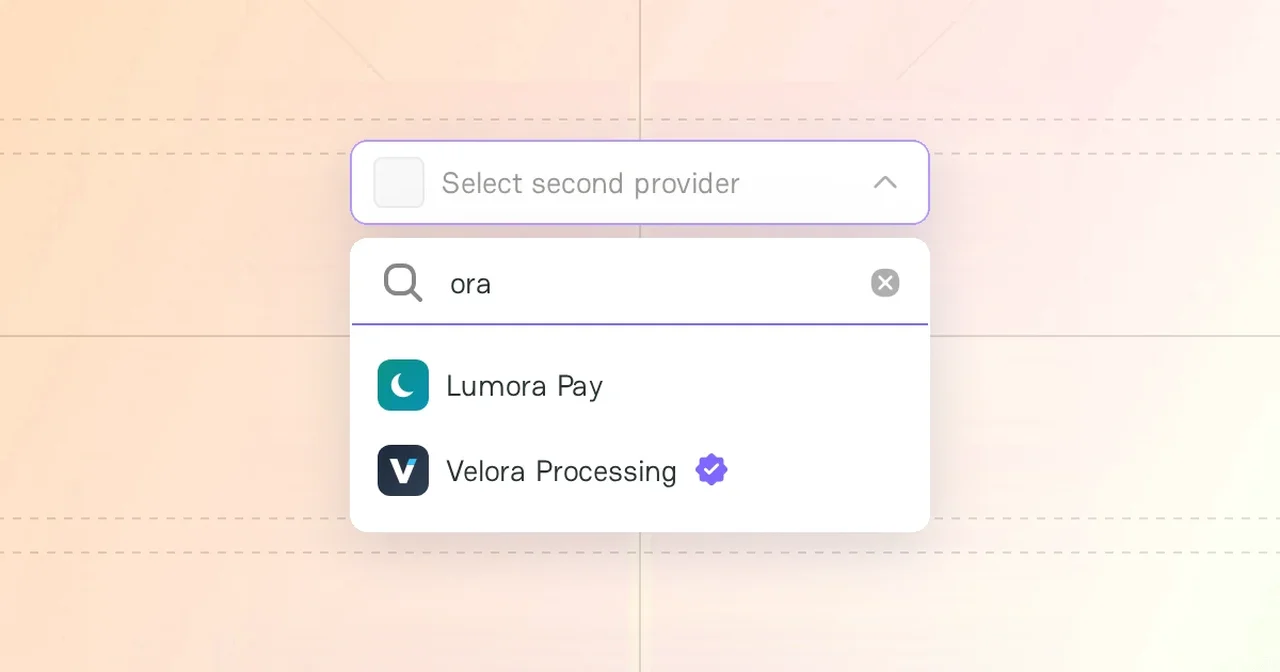
Provider Comparison puts two payment providers side by side. Each comparison uses the same criteria, so you can move from one pair to another and compare the results. You do not need an account.
Comparison start
- In the header, open Solutions and click Provider Comparison.
- Under Compare Providers, select the first provider in Provider 1 and the second provider in Provider 2.
- Click Compare.
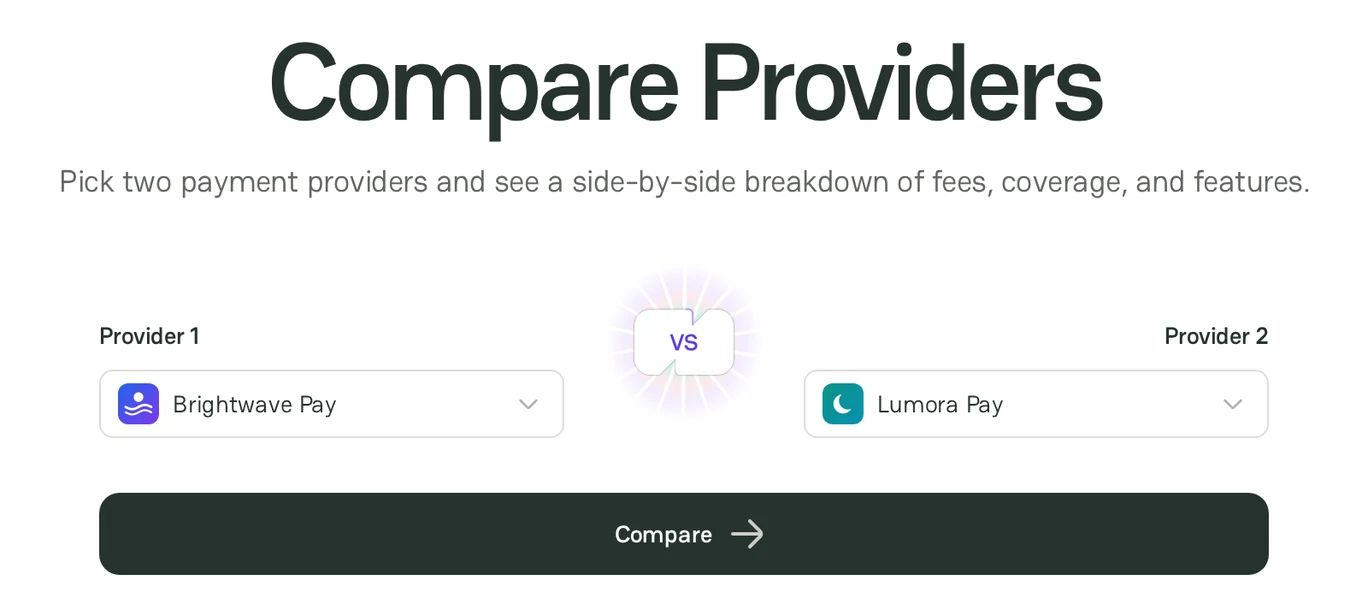
You can also start from the profile of a provider: click Compare. The provider is already selected in Provider 1, so select the second one and click Compare.
You can compare only provider companies. Popular pairs are under Top provider comparisons.
Comparison page
The page starts with a short verdict. To read the full verdict, click Read summary. To go to a section, use the links under the verdict: Coverage, Features, Reviews, Alternatives, and FAQ. A link shows only when the page has that section.
| Section | What it shows |
|---|---|
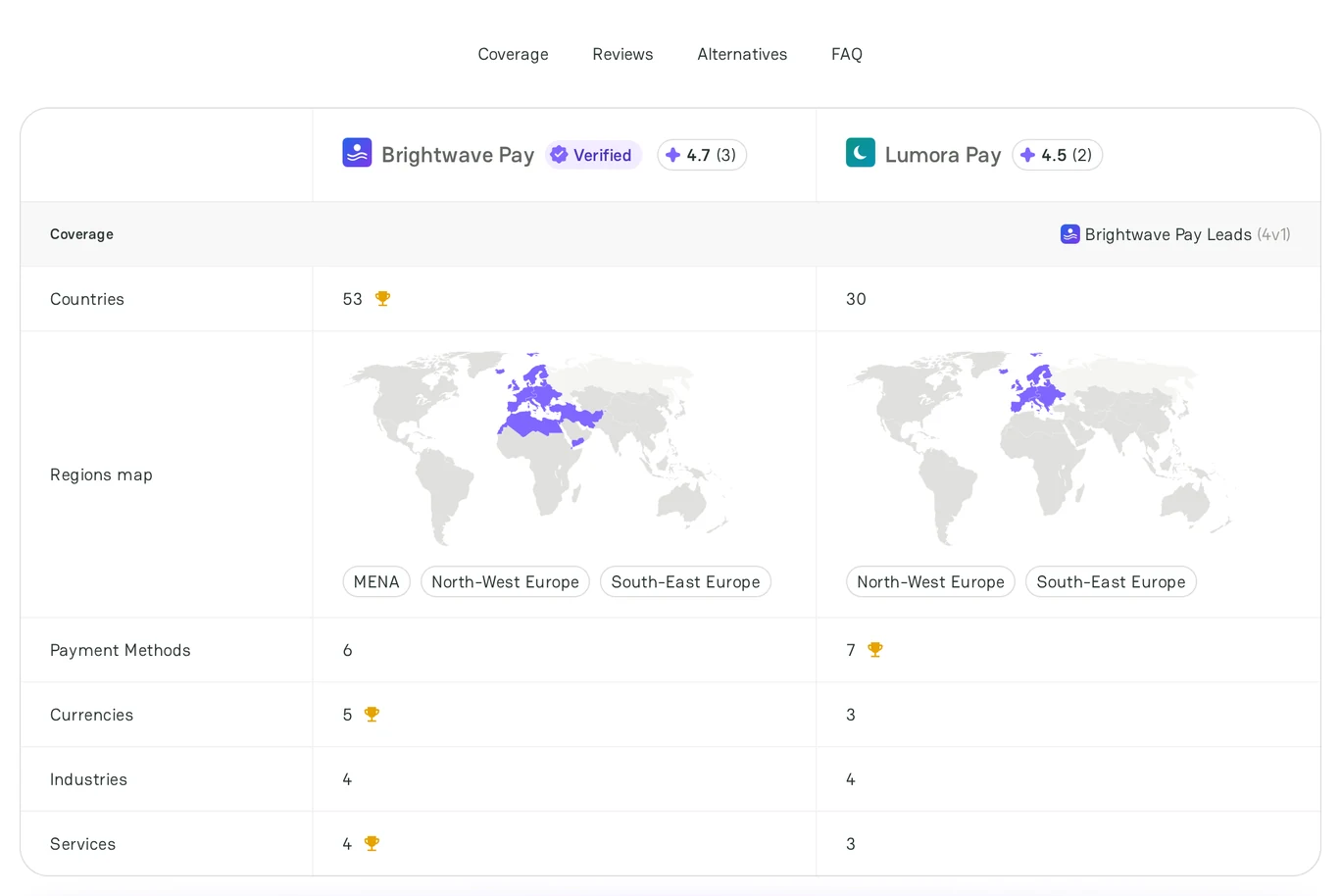
| Coverage | The number of countries, a map of the regions, and the number of payment methods, currencies, industries, and services of each provider. The label shows which provider leads. |
| Features | The features that each provider supports. The section shows when at least one provider lists features. |
| Rating | The star rating of each provider from user reviews |
| Comparison Summary | What each provider is better for, and the general consensus about it |
| Consider these alternatives | Other providers to consider |
| Providers Comparison FAQ | Answers to common questions about the comparisons |
Next steps
- To contact a provider, click View profile in Comparison Summary, and then click Message on the profile.
- To find more providers for your business, see Find providers with Navigator.
- To let providers come to you, see Post a Merchant Request.



Comments