

Glossary
Look up payments and fintech terms from A to Z, and suggest a new term for the PayAtlas glossary.
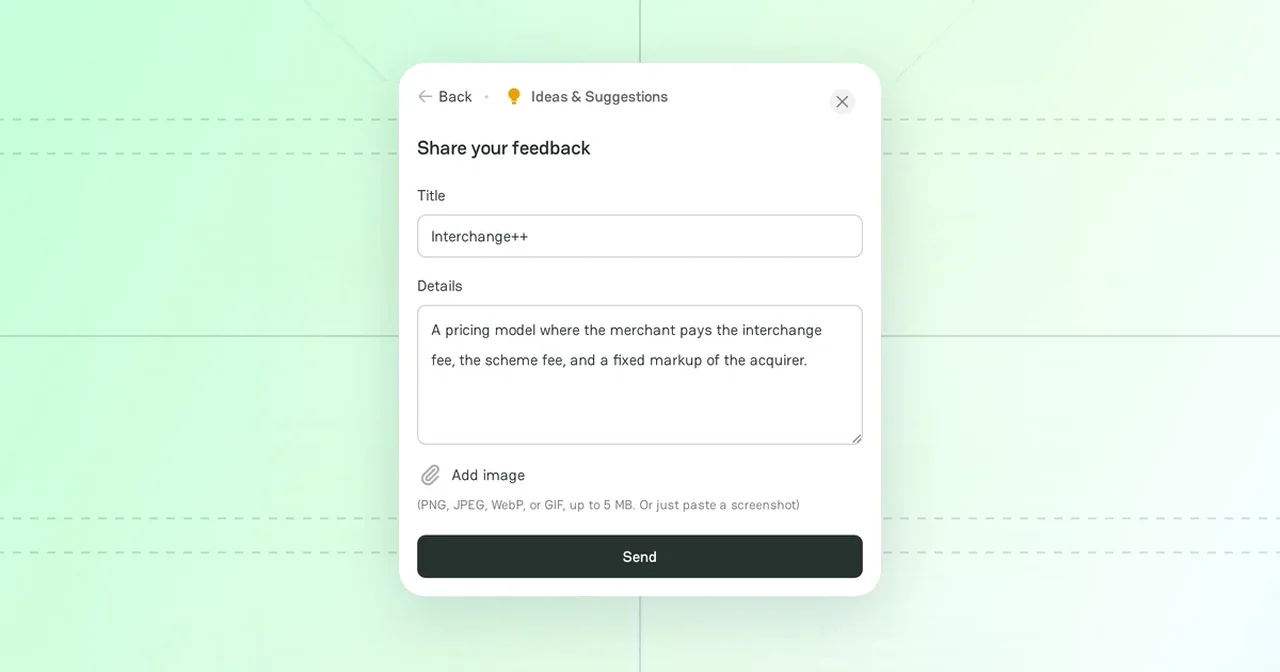
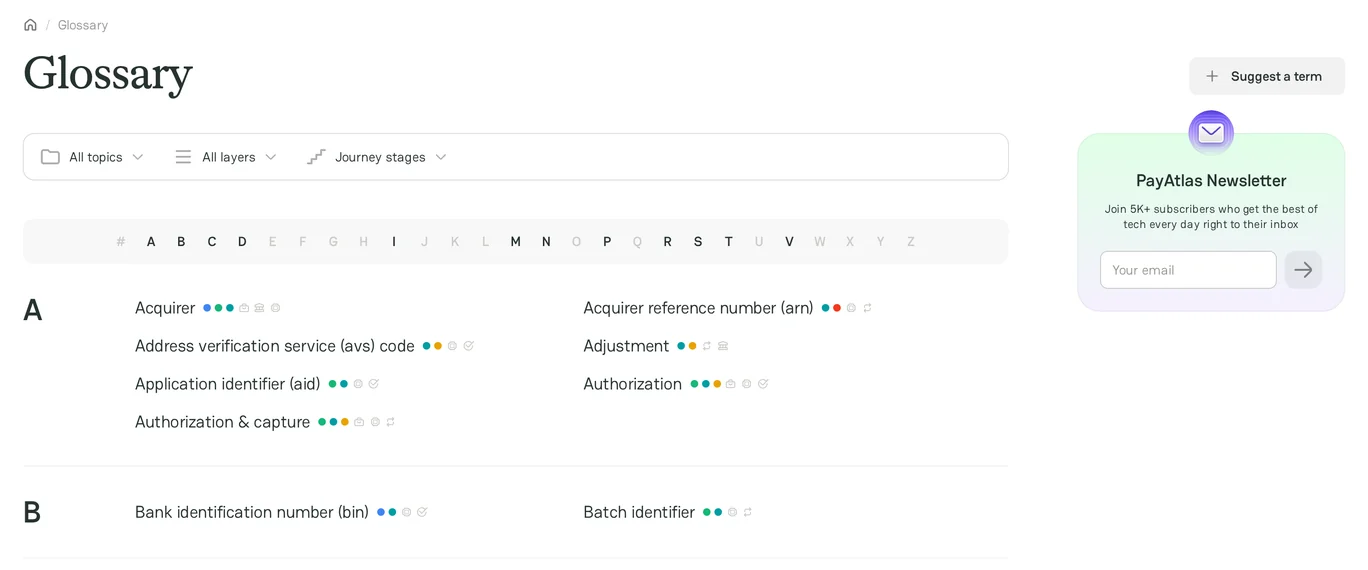
The Glossary explains the terms of payments and fintech in plain words. Use it to check a term before a call with a provider, or to learn the language of a new market.
Find a term
Open Glossary from the Community menu in the header, or go to /journal/glossary.
- Click a letter in the alphabet bar to jump to its terms. The # section has the terms that start with a digit or a symbol.
- Filter the terms by All topics, All layers, and Journey stages.
- Point to a term to see a short description.
Term page
The page of a term has:
- Term profile: the stage, the layer, and the topic of the term. Click a value to see all terms with it.
- The explanation of the term.
- Related terms. A New badge marks a term that we added in the last seven days.
- Comments: sign in to ask a question or suggest a correction.
Suggest a term
- On the Glossary page, click Suggest a term. The feedback form opens with the Ideas & Suggestions category.
- In Title, enter the term.
- In Details, explain the term or give a link to a source.
- Click Send.
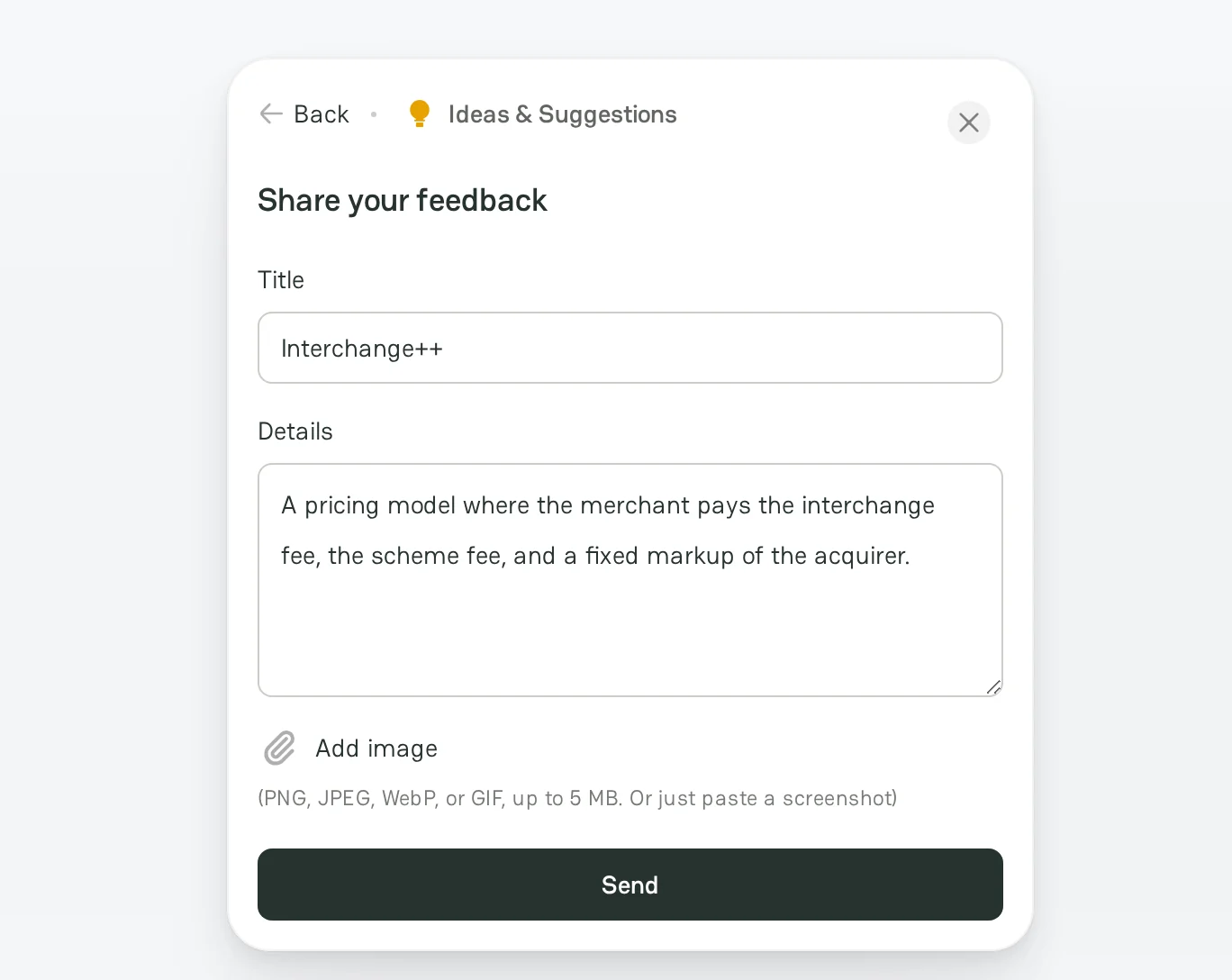
The PayAtlas team reviews the suggestion and adds the term to the glossary. Your suggestion also appears on the feedback board. For more information, see Product Feedback.



Comments