





Ready to integrate a specific service or payment feature?
Choosing a Payment Provider
What is a payment provider?
A payment service provider (PSP) lets a business accept and send payments. It connects the checkout of the business to card networks, banks, and alternative payment methods, and it settles the funds to the account of the business.
Providers differ in the payment methods, countries, and industries that they support. Many providers also offer related services, such as payouts, fraud prevention, or currency exchange.
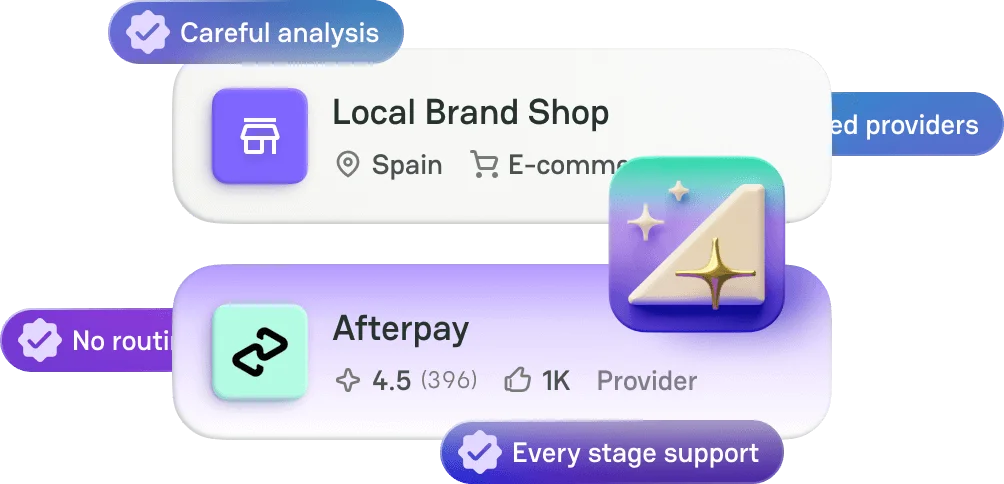
Providers Atlas lists payment providers with their services, regions, supported features, and reviews. Filter the providers by your payment methods, target regions, and industry, then compare the profiles and message the providers that fit your business.
Providers Atlas FAQ
Answers to common questions about how to find, compare, and contact payment providers in Atlas.
Use the filters next to the list: Payment methods, Target regions, Industries, and Provided services. Inside one filter, Atlas shows the providers that match at least one selected option. When you use several filters, a provider must match each of them. The address of the page keeps your filters, so you can bookmark or share the list.
By default, Atlas shows popular providers first: providers with a higher average rating come first, then Atlas uses the number of reviews and profile views. You can also sort the list by Newest first or Alphabetical.
The Verified badge shows that the company passed the verification of PayAtlas. Point to the badge on the provider profile to see when PayAtlas verified the company.
Click Connect on the provider card, or Message on the provider profile, to start a chat. You need a PayAtlas account and a merchant company. If you do not have a merchant company yet, PayAtlas asks you to set it up first.
Sign in to PayAtlas, click your avatar in the header, and click Add company…. If you already have a company, click Switch first. Select I'm a provider, fill in the profile of your company, and publish it. If your account uses a company email address, the company appears in Atlas at once. If your account uses a free email service, such as Gmail or Outlook, the PayAtlas team checks the profile first.
If you have more questions, write to info@payatlas.com.