

Create Review
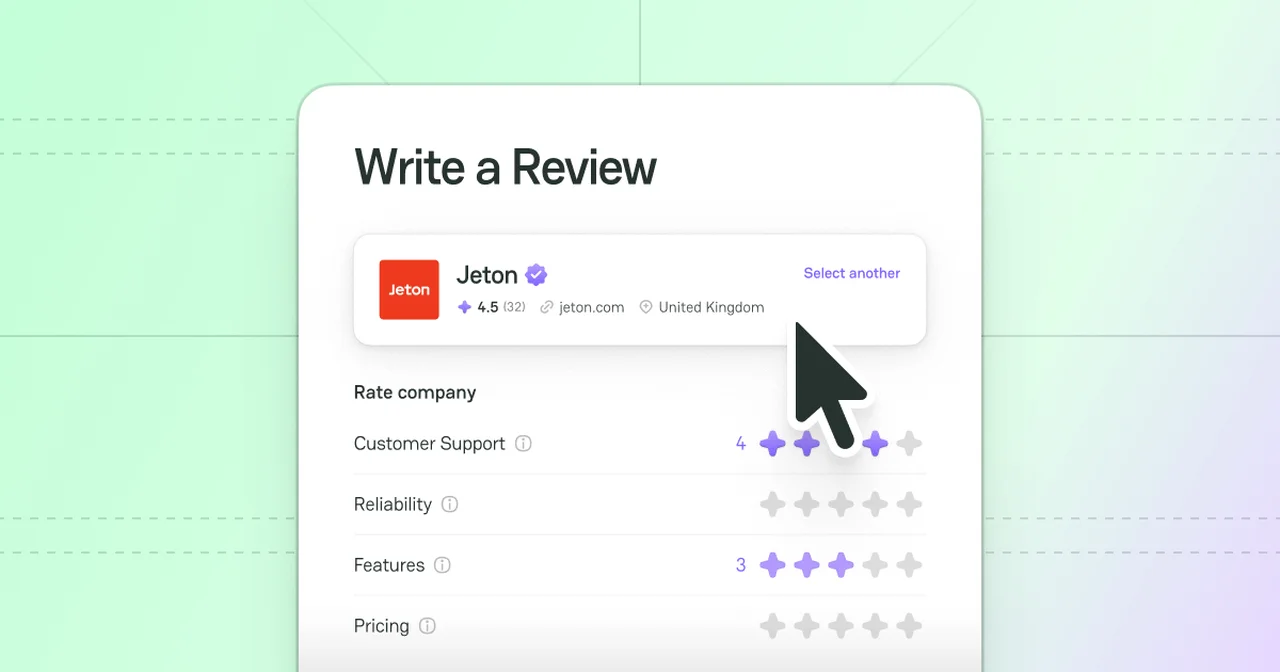
Two ways to initiate creating a Review
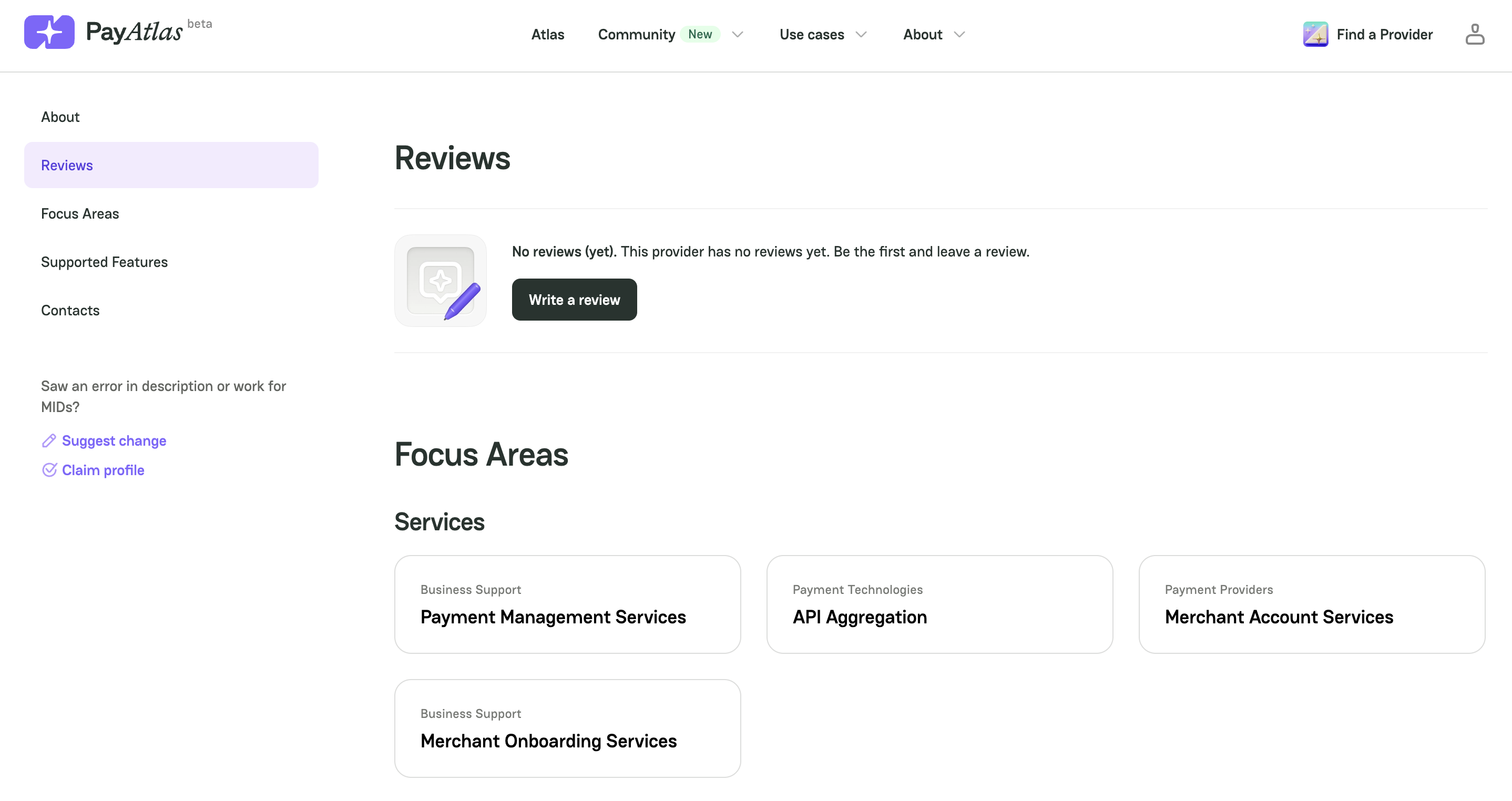
1. Atlas > Company Profile
-
Go to Atlas Providers Directory.
-
Navigate to a specific Company Profile.
-
Scroll to the Reviews section.
-
Click Write review.
-
Then, the system initiates opening the Write a review form to fill in.
2. My Dashboard > My Reviews
-
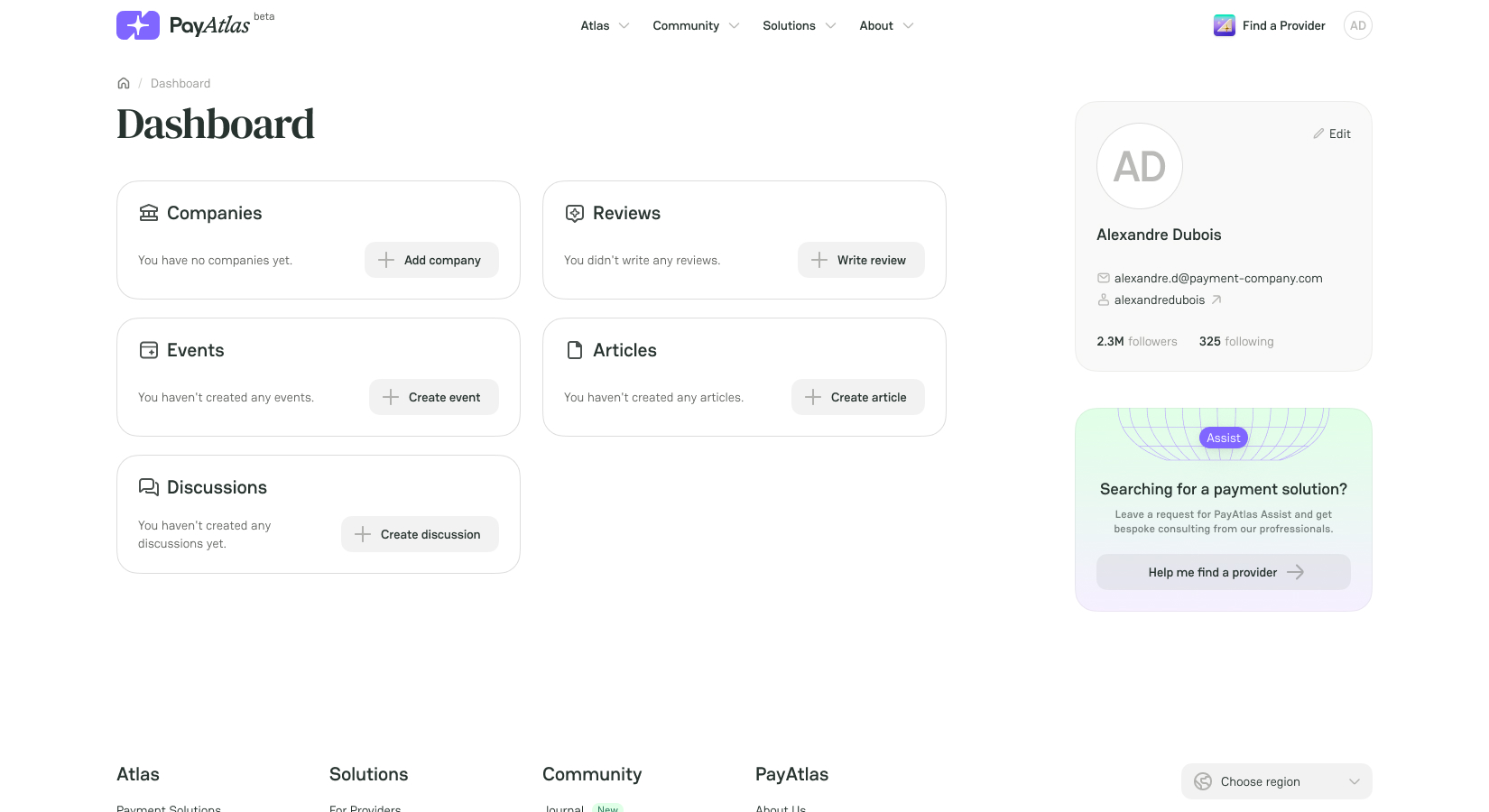
Place the cursor on the User icon in the top right corner of the main page.
-
Click My Dashboard. The system redirects you to the respective page.
-
If you haven’t created any Reviews before, click Write review right on the Dashboard.
-
If you have already created Reviews, click the Reviews entity itself, and the system should redirect you to the My Reviews overview.
-
Click Write on the top right corner of the My Reviews page.
Fill in the Write a review form
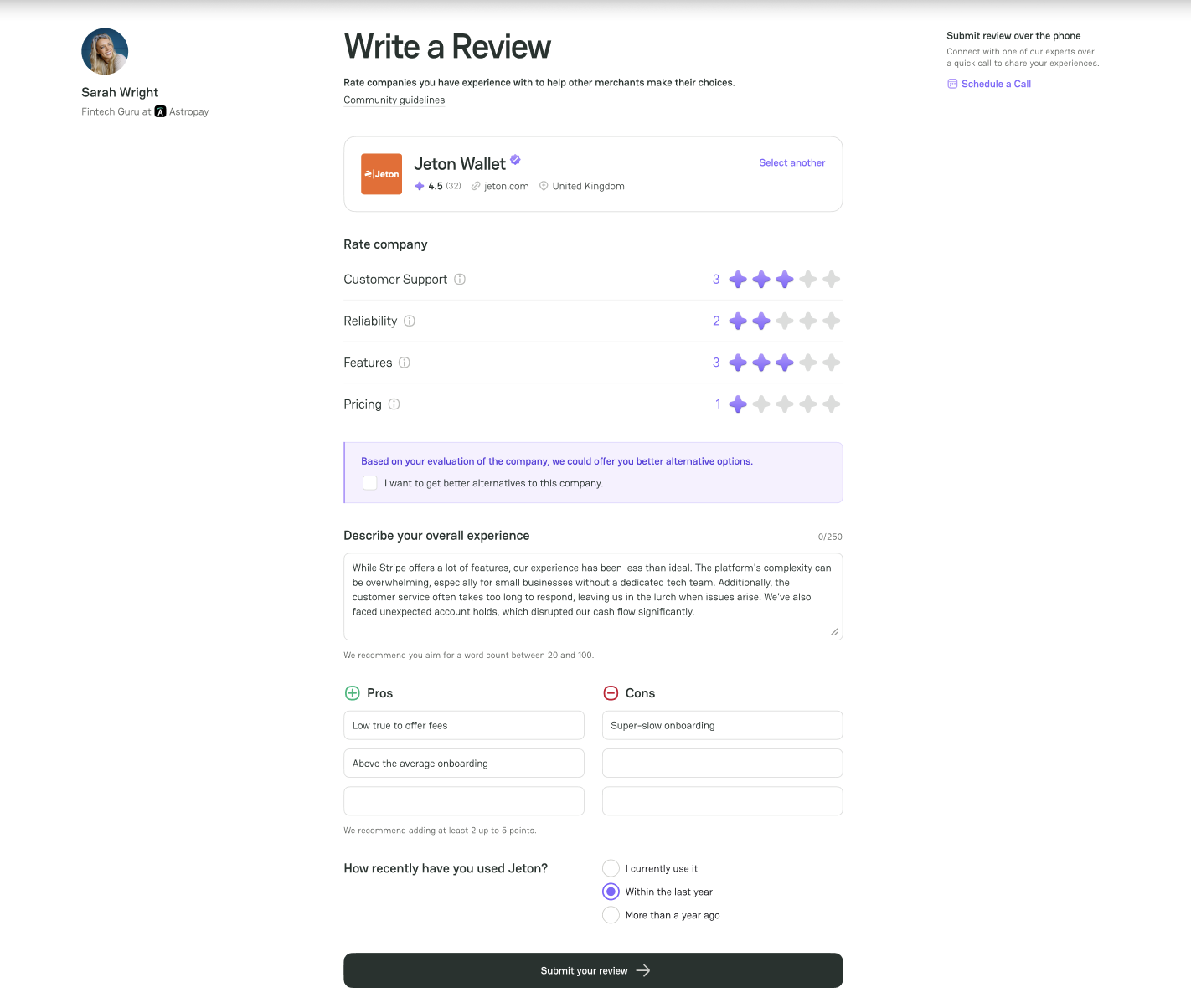
- To Rate a company, put a plus mark from 1 to 5 next to the following criteria:
| Criterion | Description |
|---|---|
| Customer Support | Describe your experience with the Company support team, including whether they were helpful and responsive in resolving issues. |
| Reliability | Share how consistently the Company service performs and whether it functions without disruptions. |
| Features | Evaluate the range and usefulness of the features offered and determine whether the provided tools meet your needs. |
| Pricing | Comment on the Provider pricing structure and whether it is transparent and fair for the value you receive. |
-
To Describe your overall experience, leave your feedback in the respective text field. A total word count should be between 20 and 100.
-
To add the Pros & Cons of the given Company, enter your statements into the corresponding text fields accordingly. To add more text fields, click the last field in the column, and the system should add the extra fields.
-
Select the time of How recently have you used {Company}? from the listed options.
-
After filling in the needed information, click Publish.



Comments