

Company overview
A Company represents your business on PayAtlas. It connects your team, your public Company Profile, and the tools that you use to work with other companies. A complete profile is required to publish your business to the PayAtlas community, and verification builds trust with potential clients and partners.
Company roles
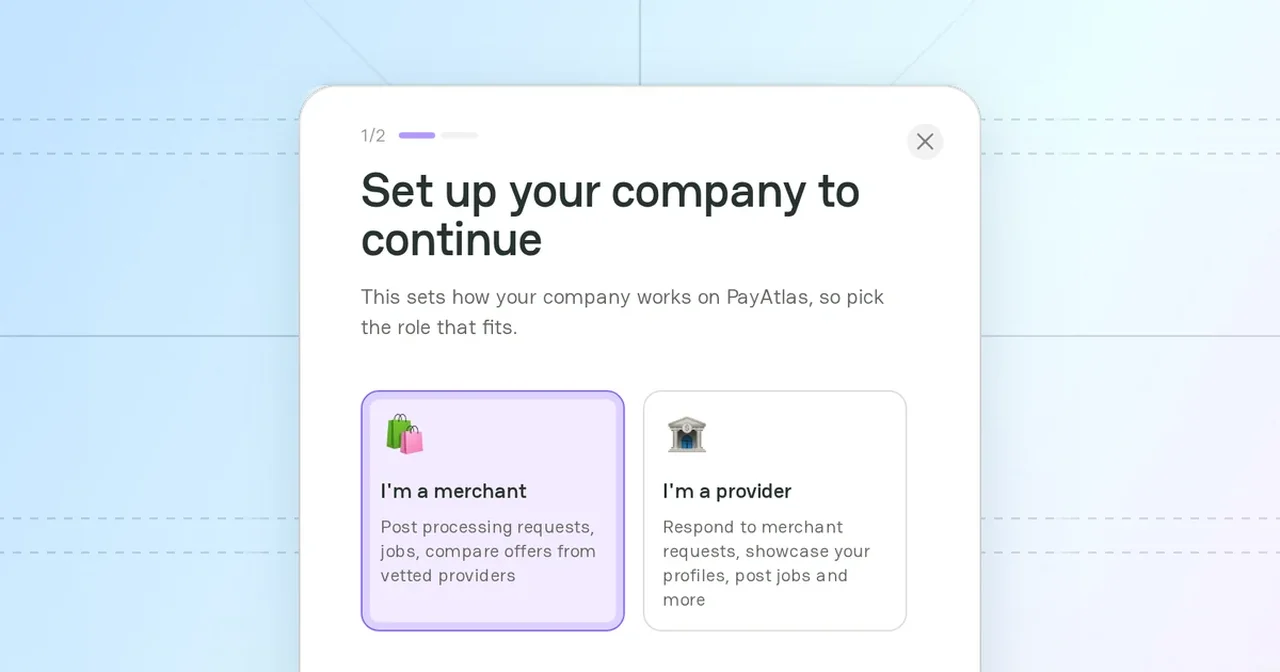
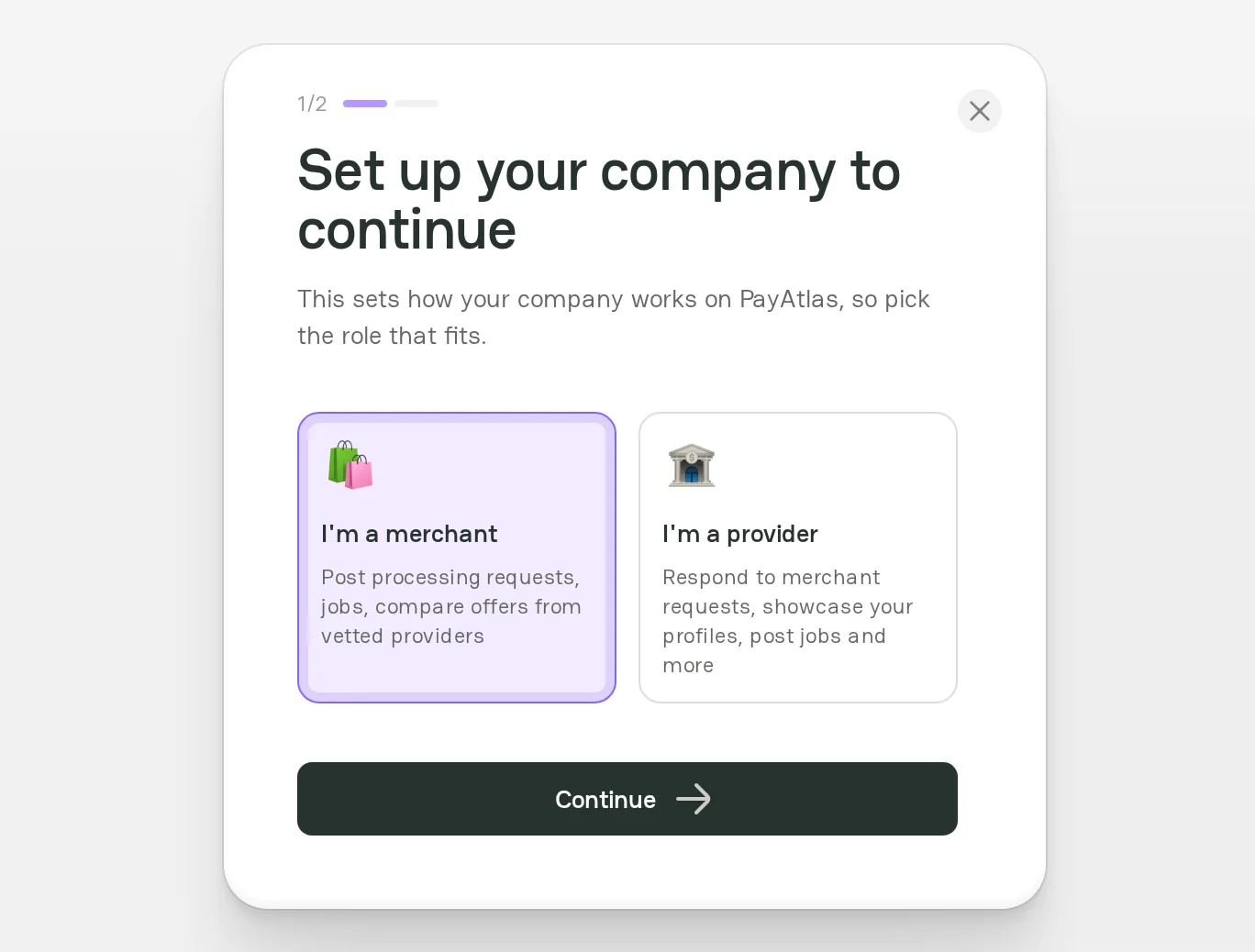
Each company has one of two roles. You choose the role when you add a company, and the role sets what the company can do on PayAtlas.
| Role | Who it is for | What you can do |
|---|---|---|
| Merchant | A business that accepts payments and looks for payment providers | Post processing requests and jobs, compare offers from vetted providers, and find providers in Navigator |
| Provider | A business that offers payment services | Respond to merchant requests, show your services on the Company Profile, and post jobs |
Company and Company Profile
A company and its profile are two parts of one entity:
- The Company is the workspace of your business in your account. You manage it in Company Dashboard.
- The Company Profile is the public page of the company. It shows the information that you add, for example the description, the services, and the contacts. Other users see the profile after you publish it.
One account can have several companies. One website can belong to only one company. If you have several companies, open the user menu and click Switch to change the active company.
Company features
After you add a company, you can use these features. Each feature links to the page that describes it.
| Feature | What it gives your business | More information |
|---|---|---|
| Company Dashboard | One workspace for each company: the profile, the team, and the settings | Company Dashboard |
| Provider profile | Provider companies only. A public page that presents your payment services to merchants | Manage provider profile |
| Merchant profile | Merchant companies only. A public page that tells providers about your business | Manage merchant profile |
| Profile optimization | Provider companies only. A profile that is complete, informative, and easy to find | Optimize provider profile |
| Launch checklist | Provider companies only. The items to fill in before you publish the profile | Launch checklist |
| Publishing | A public Company Profile. The PayAtlas team checks the profile in moderation when it is necessary. | Follow Moderation process |
| Trust Badge | A PayAtlas badge for your website that links to your published Company Profile | Trust Badges |
| Members | Teammates who work on the company with their own roles | Review Administration settings |
| Verification | A verified badge on the Company Profile that shows clients and partners that your business is real | Review Administration settings |
| Reviews | Provider companies only. Feedback from clients that improves the ranking of your profile | Reviews |
| Account | Control of the company slug, and the option to delete the company | Review Administration settings |
| Claim profile | A request to the PayAtlas support team for access to a Company Profile of your business that you do not manage, or a report about wrong data on a profile | Claim Company Profile |
You can also talk to other companies in Chats and work with Merchant Requests. To open them, click your avatar in the header.
Related articles
- To add a company, see Add Company.



Comments