

Launch checklist
Before you publish the provider profile, check this list. A profile without a required item cannot go live, and a profile with the recommended items gets more attention from merchants.
Before you start
- Look at the profiles of other providers in Atlas. See how they describe their services and their audience. For more information, see Find providers.
- Define your target merchants: the services that they need, their industries, and their countries.
- Prepare the profile icon and the full logo. An SVG file gives the best result.
- Prepare the lists of your payment methods, transaction currencies, and settlement currencies.
- Invite your team. For more information, see Review Administration settings.
Required items
| Section | Item |
|---|---|
| About | Profile icon |
| About | Full logo |
| About | Company name |
| About | Description, up to 350 characters |
| Focus areas | At least one service |
| Focus areas | At least one industry |
| Focus areas | At least one country in Merchant geography |
| Features | Payment methods |
| Features | Transaction currencies |
| Features | Settlement currencies |
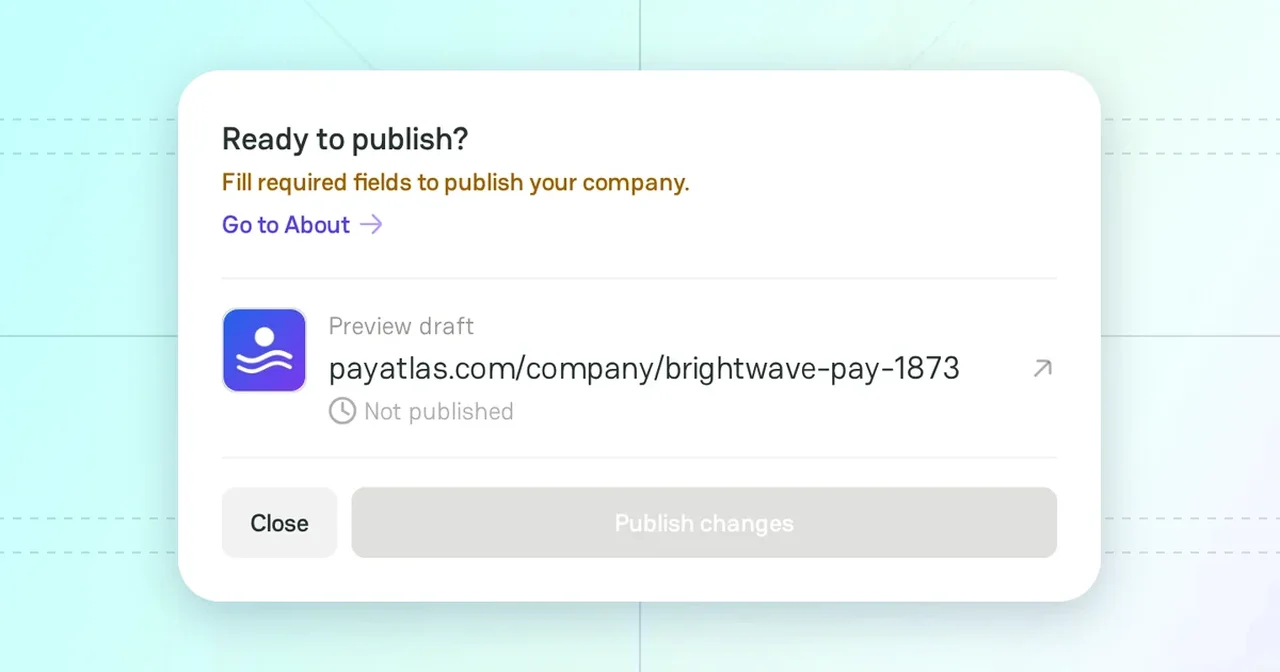
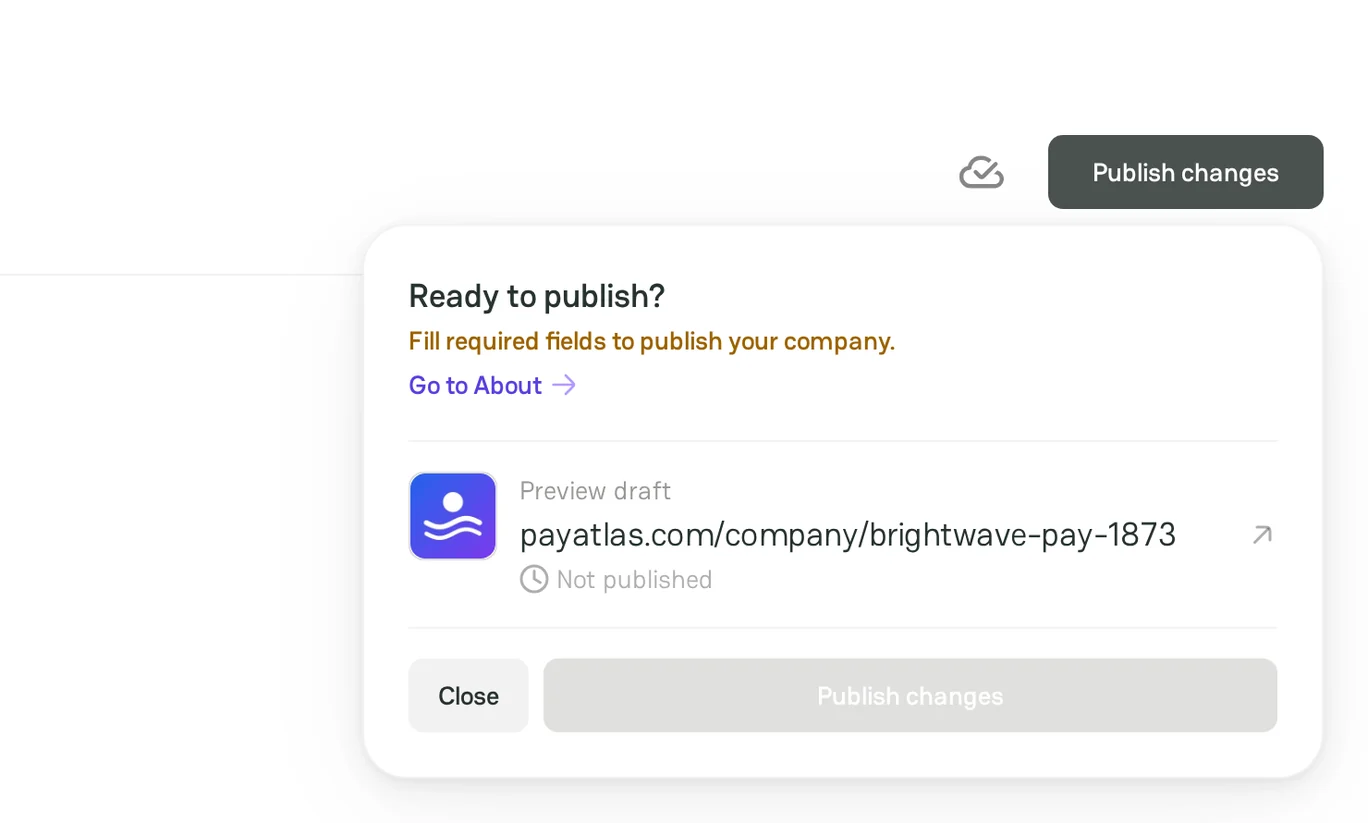
An orange dot in the sidebar of Company Dashboard marks a section with a missing item. The Publish changes menu then shows Fill required fields to publish your company. and a link to that section.
For the rules of each field, see Manage provider profile.
Recommended items
- The Tagline and the Extra group of About: Headquarters, Founded, and Company size.
- A short description and the pricing of each service.
- The optional groups of Features, for example Cards networks and Additional features.
- The links in Contacts: the website, the documentation, the pricing, the support, the status page, and the social profiles.
- The verified badge and a Trust Badge on your website.
To make the profile easy to find, see Optimize provider profile.
Publish the profile
In the header of Company Dashboard, click Publish changes, and then click Publish changes in the menu. The PayAtlas team can check the profile before it goes live. For more information, see Follow Moderation process.
After you publish, What's next in the sidebar suggests the next steps: a Trust Badge, the team, the verification, and reviews.
Traffic from PayAtlas
The links from a published profile to your website have the utm_source=payatlas parameter, for example https://brightwavepay.example/?utm_source=payatlas. With it, you can:
- Track the visits that come from PayAtlas.
- Measure the quality of these leads.
- Build reports in Google Analytics 4, Amplitude, or another analytics tool.
If PayAtlas has a referral link for your company, the Website link opens the referral link without the parameter.
Related articles
- To fill in the profile, see Manage provider profile.
- To see the statuses of the profile, see Company Dashboard.



Comments