

Optimize provider profile
Make your provider profile complete and easy to find: fill in each section, describe your services clearly, and keep the data up to date.
A complete and clear profile helps merchants find your company in Atlas and in Navigator and decide to contact you. Use this checklist when you fill in the profile and each time that your offer changes. For the steps to fill in each section, see Manage provider profile.
Profile completion
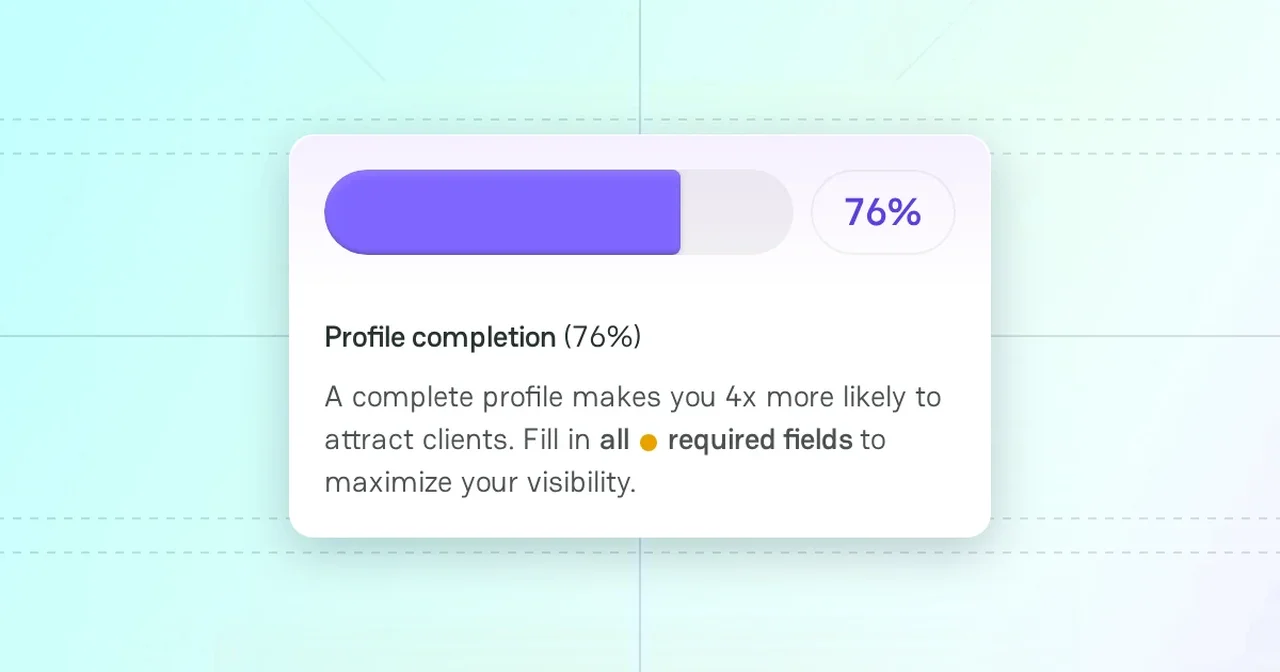
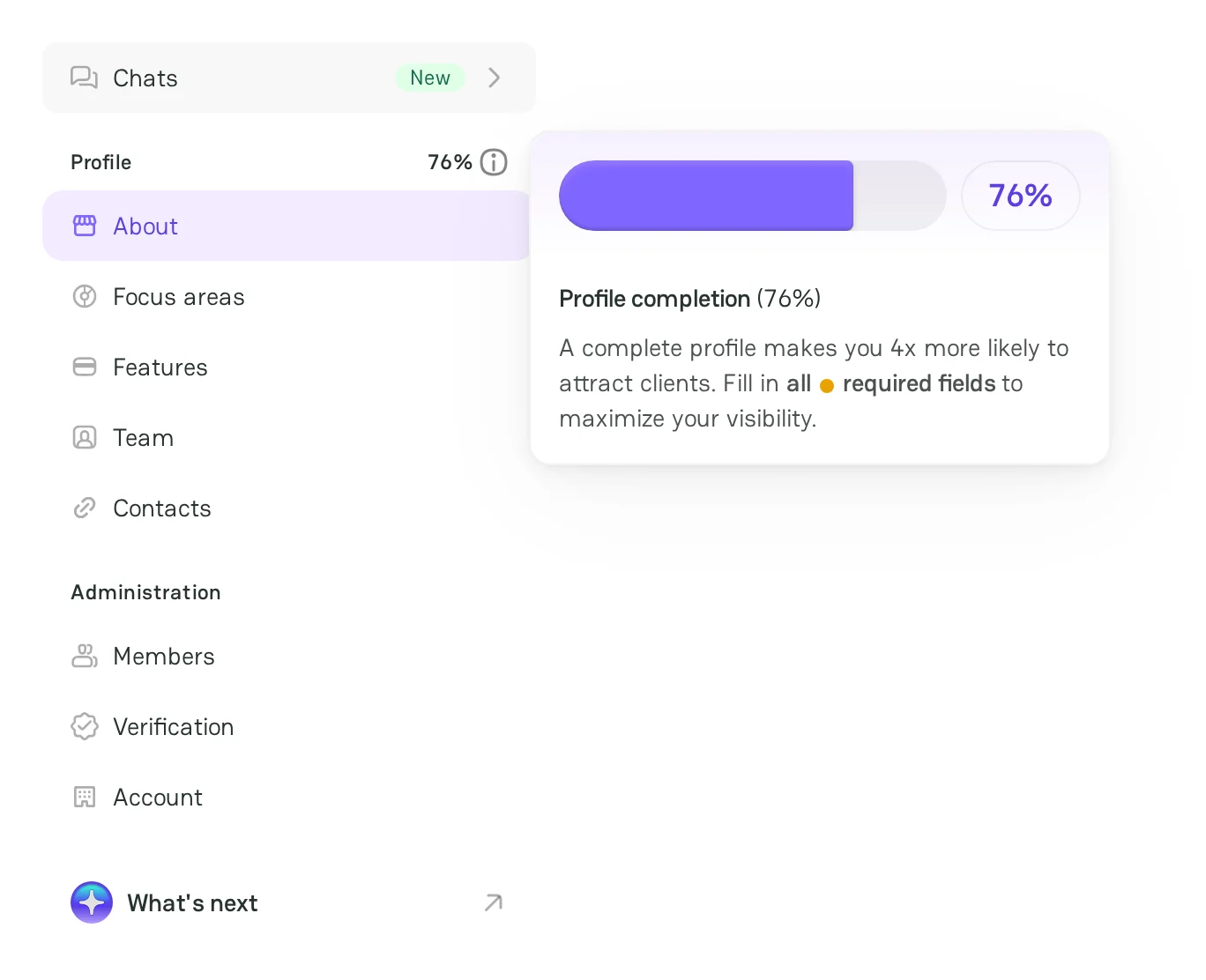
The sidebar of Company Dashboard shows the completion of the profile next to Profile. Point to the info icon to see the Profile completion tooltip: a complete profile makes you four times more likely to attract clients.
The completion counts the fields of the About, Focus areas, and Features sections and the links in Contacts. An orange dot next to a section shows a missing required item.
Optimization checklist
Keep the profile up to date
- Update the profile when your services, payment methods, currencies, or licenses change.
- Remove the services and the countries that you no longer support.
Describe your company
- In the Tagline, name your main offer and your audience in one phrase.
- In the Description, say what the company does, for whom, and where. Name what makes you different, for example a region or an industry.
- For each service, add a short description and, if you can, the pricing.
Fill in the focus areas and the features
- Merchants filter providers by services, industries, countries, payment methods, and currencies. Each value that you add can bring the profile into more search results.
- Fill in the optional feature groups too, for example Cards networks, Shopping carts, and Additional features.
Use the words of your clients
- Use the industry terms that merchants search for, in natural sentences.
- Do not repeat keywords. A text that is full of keywords is hard to read.
Check the contacts
- Add the links to the website, the documentation, the pricing, the support, and the status page.
- Make sure that each link opens and starts with
https://.
Build trust
- Get the verified badge. For more information, see Review Administration settings.
- Add a PayAtlas Trust Badge to your website. For more information, see Trust Badges.
- Ask your clients for reviews. For more information, see Reviews.
Profile example
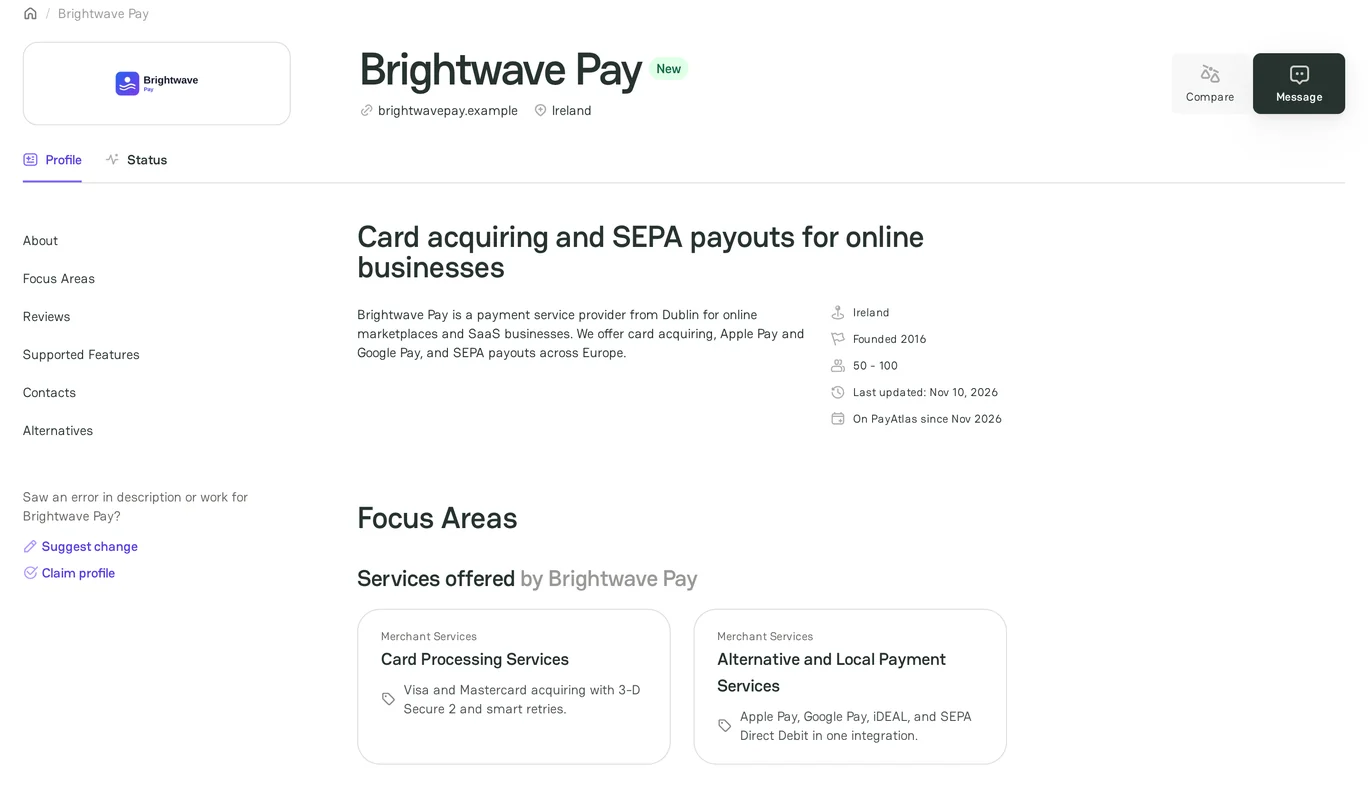
The profile of the demo company Brightwave Pay follows the checklist:
- The tagline names the offer and the audience.
- The description is short and says what the company does, for whom, and where.
- Each service has a short description.
- The focus areas, the features, and the contacts are filled in.
Related articles
- To check the required items, see Launch checklist.
- To see how merchants find providers, see Find providers.
- To see the parts of a public profile, see Provider profile.



Comments