

Manage merchant profile
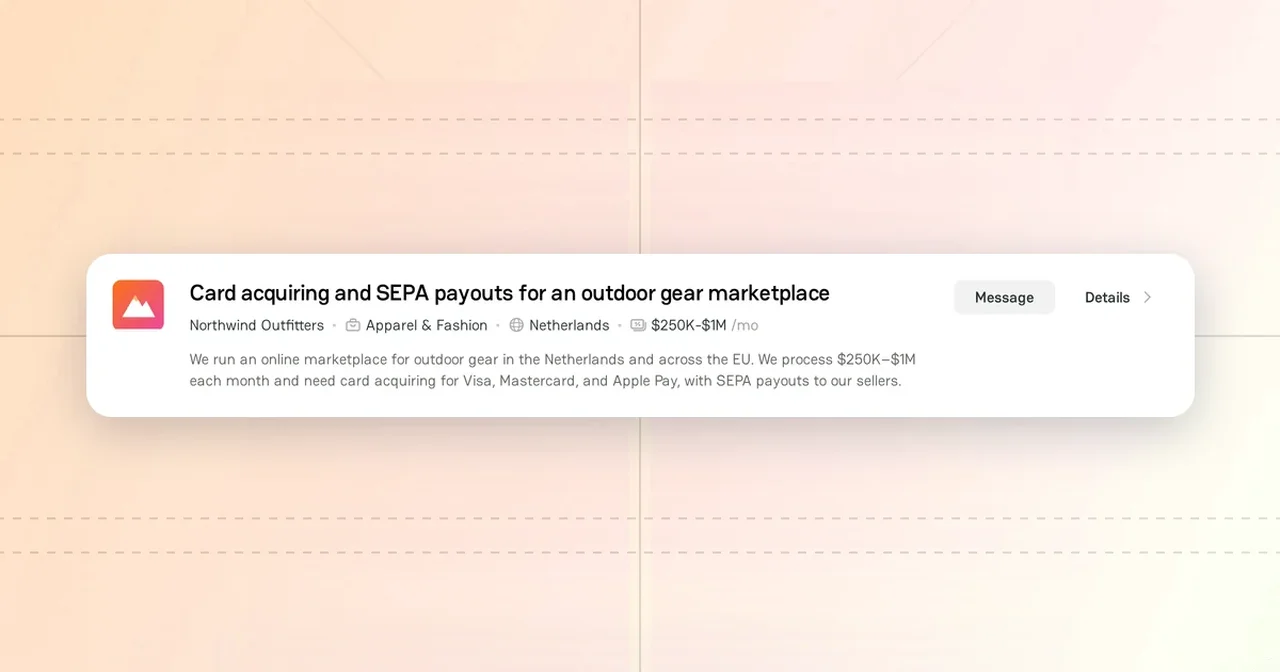
The merchant profile is the public page of your merchant company. Providers see it when you send them a request or a message, so a clear profile helps them answer you faster. You fill in the profile in Company Dashboard.
Make sure that you have a merchant company. To add one, see Add Company.
You can search for providers and contact them while the profile is a draft. Other users see the profile after you publish it.
Profile sections
To open the profile, click your avatar in the header, and then click Company Dashboard. If you have several companies, click Switch and select the merchant company first.
A merchant company has two Profile sections: About and Contacts. The My Requests section above them shows the requests that the company sends to providers. For more information, see Post a Merchant Request.
Each change saves automatically. Visitors see the changes after you publish them.
About
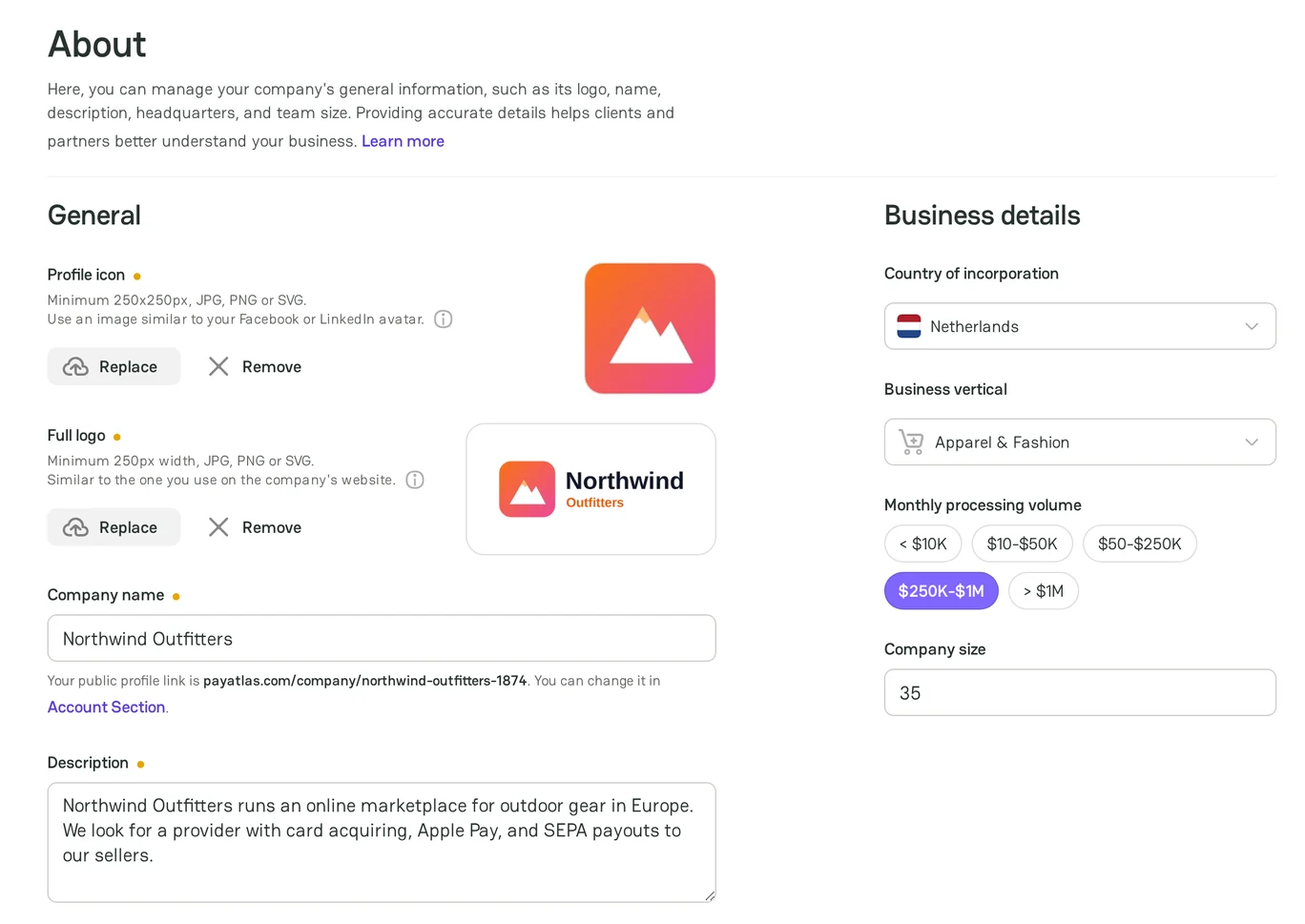
General
| Field | Required to publish | What to add |
|---|---|---|
| Profile icon | Yes | A square image, similar to your avatar on LinkedIn |
| Full logo | Yes | The logo that you use on the company website |
| Company name | Yes | The name of the company |
| Description | Yes | What the company does and what it looks for, up to 350 characters |
To add an image, click Upload. Use a JPG, PNG, or SVG file up to 5 MB. The profile icon is at least 250 × 250 px, and the full logo is at least 250 px wide.
Business details
| Field | What to add |
|---|---|
| Country of incorporation | The country where the company is registered |
| Business vertical | The industry of your business |
| Monthly processing volume | The amount that you process each month: < $10K, $10-$50K, $50-$250K, $250K-$1M, or > $1M |
| Company size | The number of employees |
PayAtlas uses the business vertical and the country of incorporation to recommend payment providers to you.
Contacts
The Contacts section has the Company and Social groups of links, the same as for a provider company. Each link starts with https:// or http://. The Website of the company is unique: you cannot use the website of another company.
Publish the profile
To publish the profile, add the Profile icon, the Full logo, and the Description. Then click Publish changes in the header, and then click Publish changes in the menu. The PayAtlas team can check the profile before it goes live. For more information, see Follow Moderation process.
Public merchant profile
The address of the profile is https://payatlas.com/company/{slug}-{id}. The profile shows:
- In the sidebar: the logo, the name, the verified badge, the business vertical, the country, the monthly processing volume, and the website. Under them: the number of connections, the date when the company joined PayAtlas, and the last activity.
- The Report and Claim profile links.
- The Merchant requests, About, and Contacts sections, and Similar merchants.
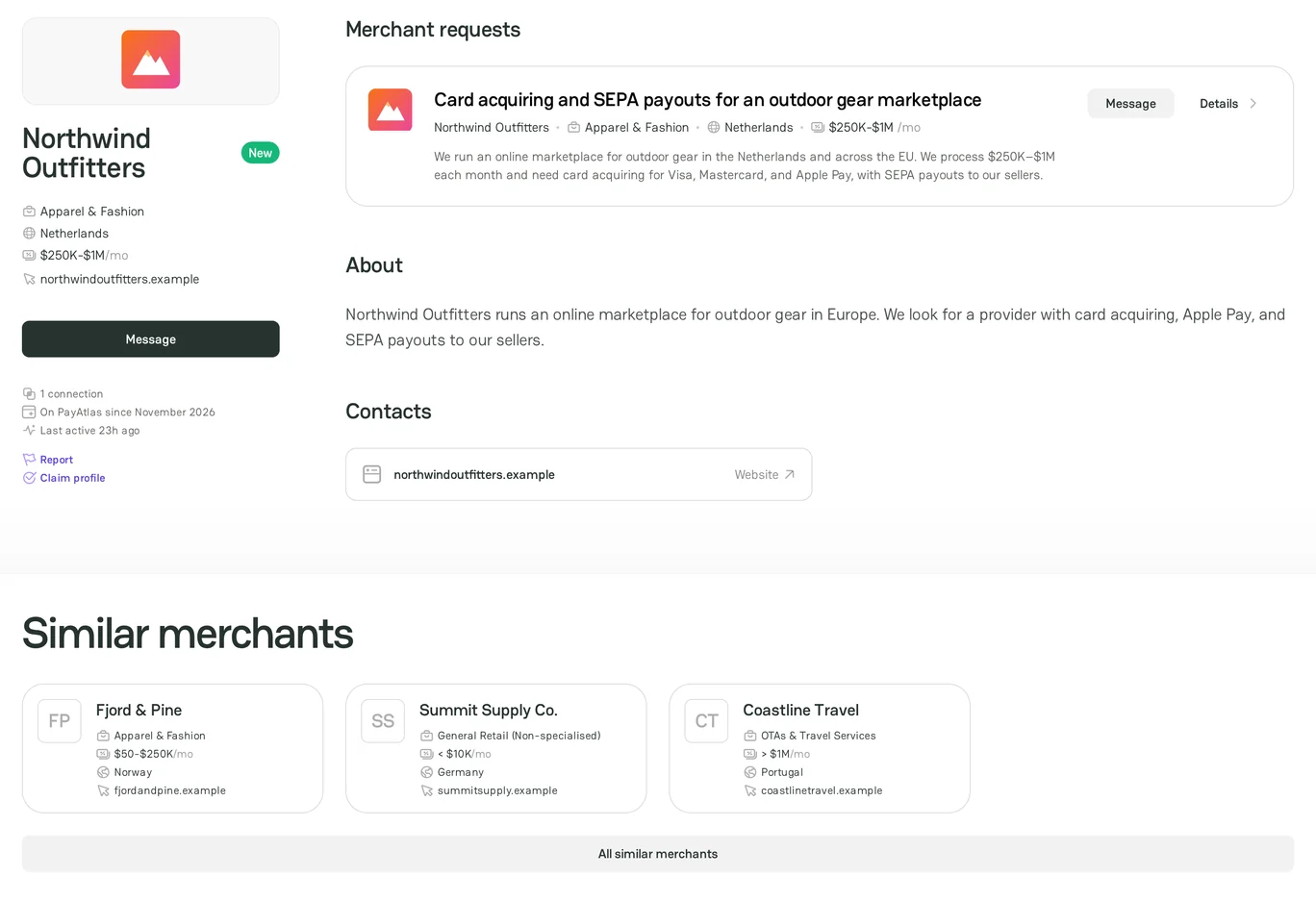
When a member of the company opens the profile, the sidebar shows You're viewing your public profile and the Go to Company Dashboard button.
Related articles
- To find providers, see Find providers with Navigator.
- To send requests to providers, see Post a Merchant Request.
- To invite your team, see Review Administration settings.



Comments