

Claim Company Profile
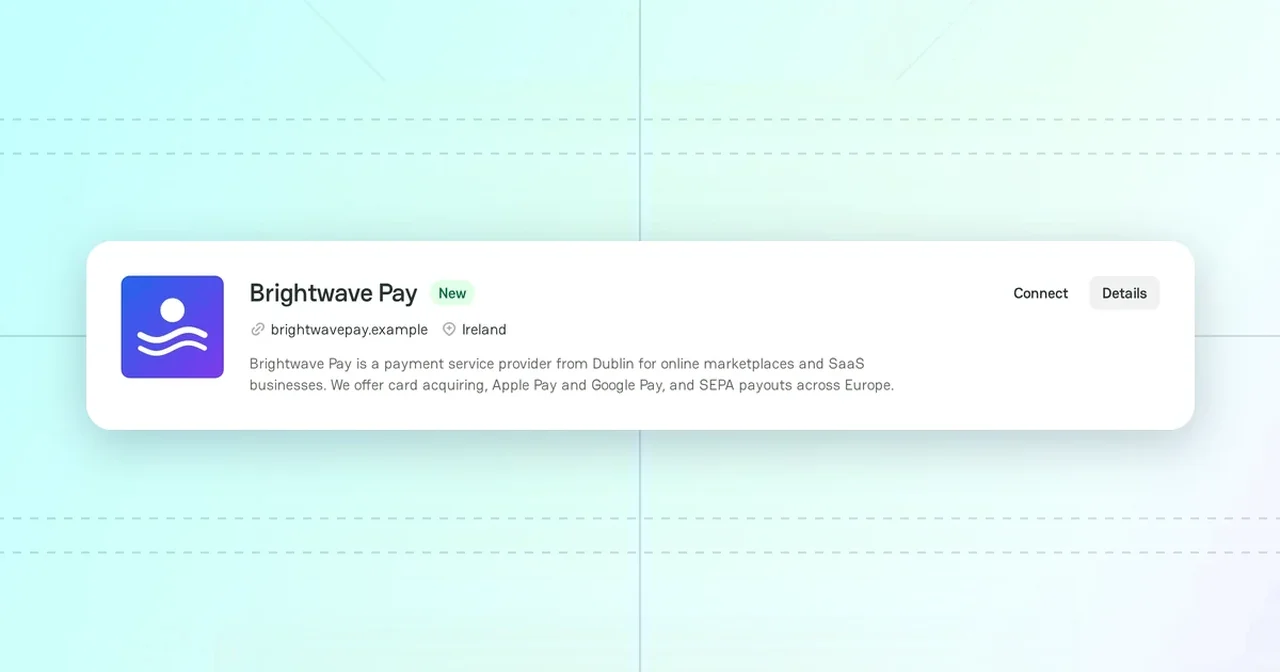
Atlas has company profiles that PayAtlas added from public sources. Such a profile can have no members, or its data can be out of date. In these cases, write to the PayAtlas support team from the profile.
Cases
| Case | What to do |
|---|---|
| You represent the company and cannot manage its profile | Click Claim profile |
| The profile of a provider has wrong or outdated data | Click Suggest change |
| You have a proof that the company is a scam | On the profile of a provider, click Suggest change. On the profile of a merchant, click Report. Attach the proof to the email. |
Each link opens a new email to support@payatlas.com in your email app.
Claim a provider profile
- Find the profile in Atlas. For more information, see Find providers.
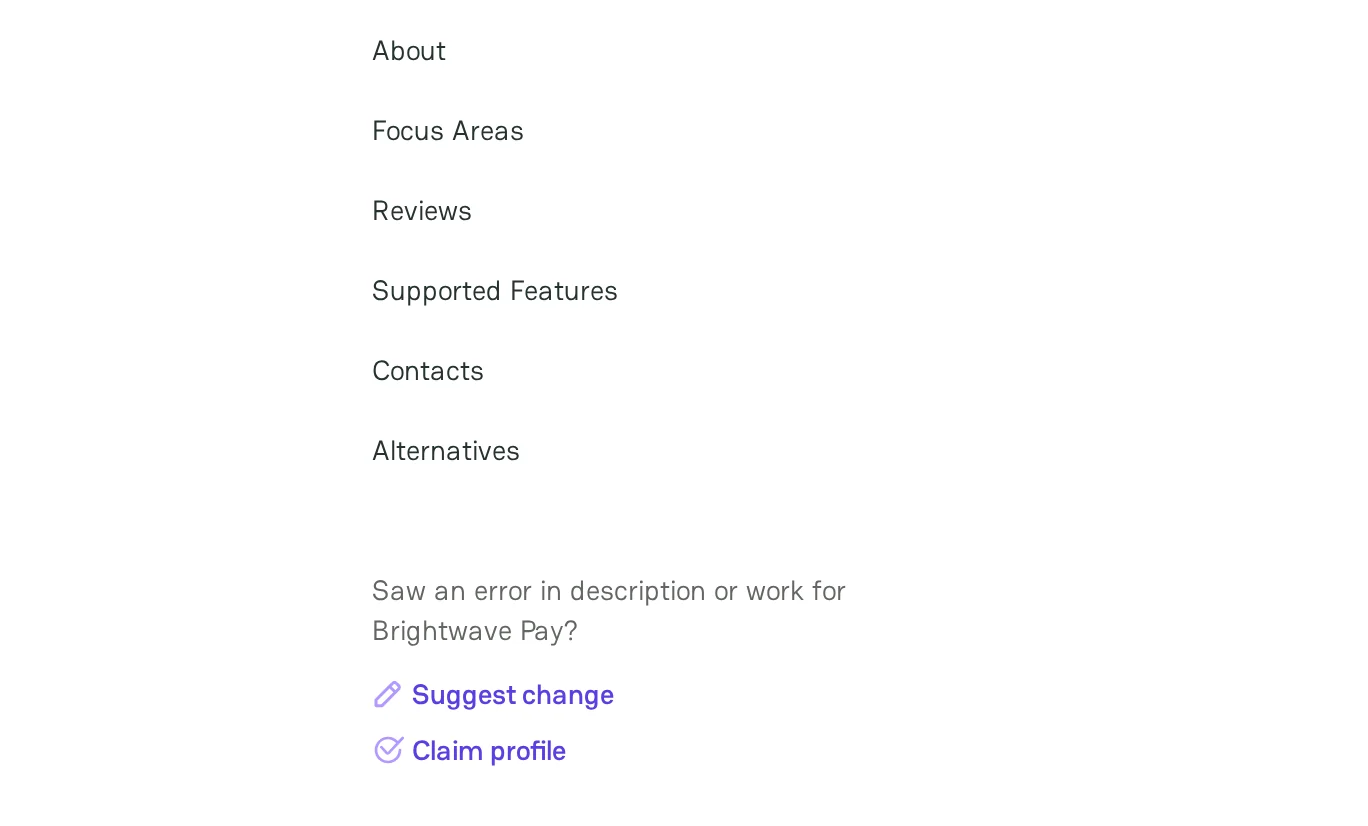
- In the navigation of the profile, under Saw an error in description or work for and the name of the company, click Claim profile.
- In the email, add the name of the company, the link to its profile, your name, and your position in the company.
- Send the email.
Make sure that you send the email from an address on the domain of the company. It helps the support team confirm that you represent the company.
The support team checks the request. If the team confirms it, you get an invitation to join the company. For more information about the roles, see Review Administration settings.
Suggest a change
Suggest change is on the profile of a provider only.
- Open the profile of the provider.
- Click Suggest change.
- In the email, name the field, the wrong value, and the correct value. Add a link to a source that confirms the correct value.
- Send the email.
Claim a merchant profile
On the profile of a merchant company, the sidebar has the Report and Claim profile links under the details of the company. To claim the profile, click Claim profile, and then follow steps 3 and 4 of Claim a provider profile. To report wrong data or a scam, click Report.
Website already in use
One website can belong to only one company. If you add a company and PayAtlas shows the message There's already a company with this website address, open that company and claim its profile. For more information, see Add Company.
Related articles
- To fill in the profile after you join the company, see Manage provider profile.



Comments