

Provider profile
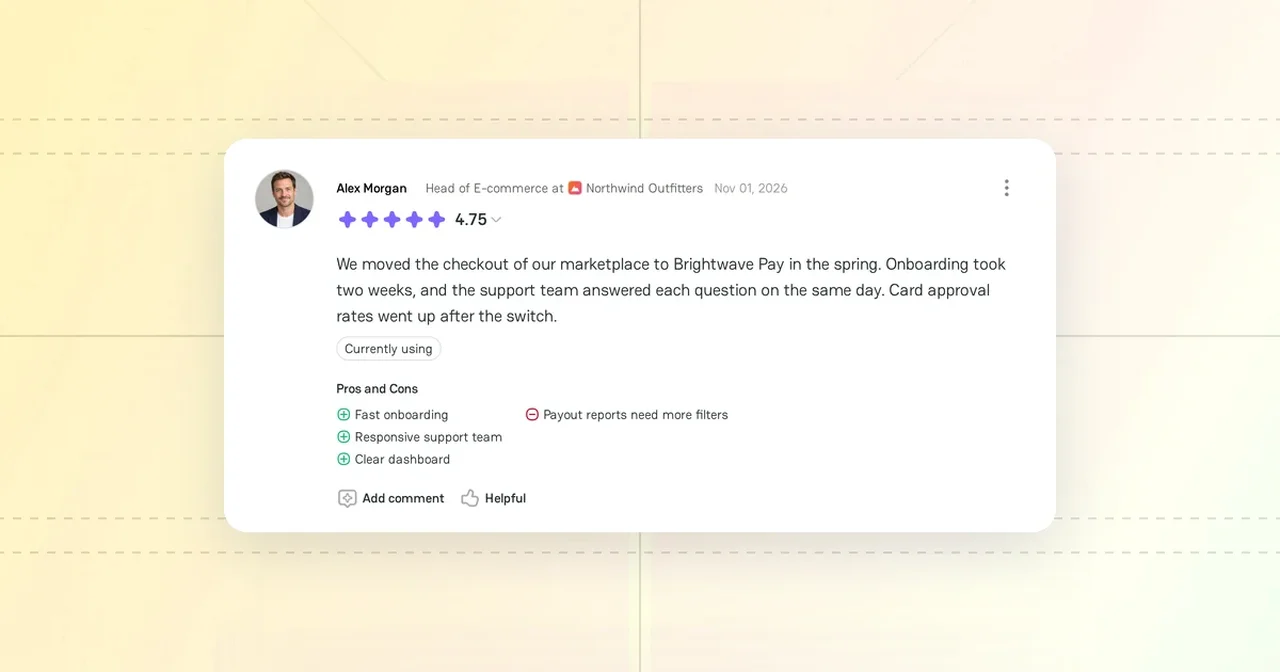
The provider profile is the public page of a payment provider on PayAtlas. Its address is https://payatlas.com/company/{slug}-{id}. Read the profile to check that the provider supports your payment methods, regions, and industry before you contact it.
Provider card
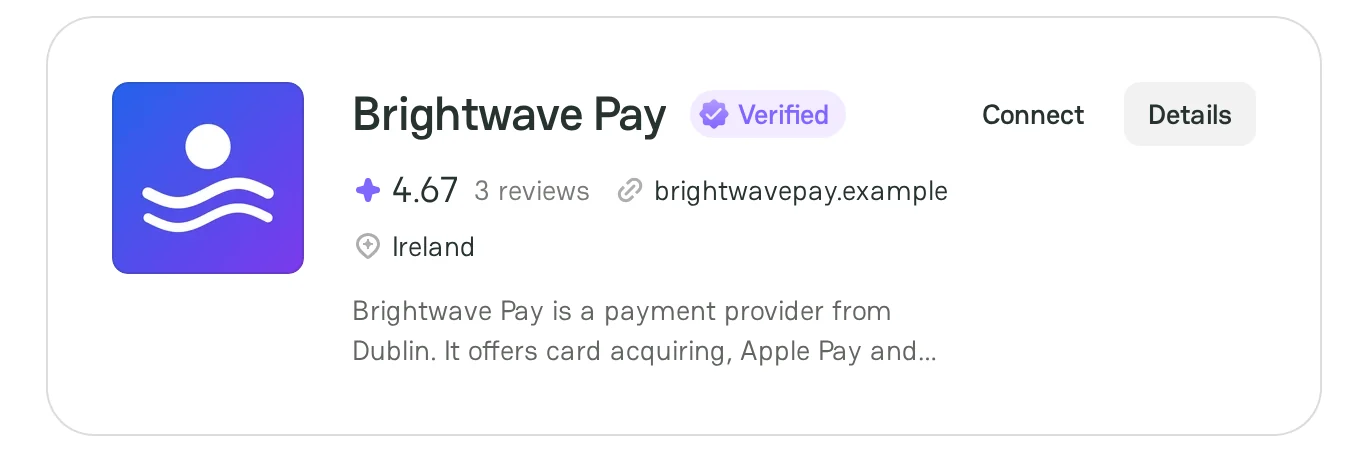
Atlas shows each provider as a card:
- The logo and the name of the provider. Click the name to open the profile.
- The Verified badge, if PayAtlas verified the company.
- The New badge, if the provider joined PayAtlas less than 7 days ago.
- The average rating and the number of reviews.
- The website and the headquarters country.
- A short description.
The card in Atlas has two buttons:
- Details opens the profile.
- Connect starts a chat with the provider. If you already chat with the provider, the button is Open dialog.
Profile header
The header shows the name, the badges, the rating, the website, and the headquarters country of the provider. Point to the Verified badge to see the month when PayAtlas verified the company.
The header has two buttons:
- Compare opens Provider Comparison with this provider already selected. For more information, see Compare providers.
- Message opens a chat with the provider. If you already chat with the provider, the button is Open dialog.
Make sure that you are signed in and have a merchant Company before you send a message. If you have no merchant Company, PayAtlas asks you to set it up first. For more information, see Add Company.
Under the header, the Profile tab shows the profile. The Status tab shows the current status of the services of the provider.

Profile sections
Use the section menu to go to a section:
| Section | What it shows |
|---|---|
| About | The description of the provider, the year of foundation, the number of employees, the date of the last update, the date when the provider joined PayAtlas, and its awards and badges |
| Focus Areas | The services that the provider offers, the industries that it serves, and the regions that it covers, on a map |
| Reviews | The ratings and reviews of PayAtlas users |
| Supported Features | Payment methods, card networks, provider integrations, shopping carts, transaction currencies, settlement currencies, licenses, and other features |
| Contacts | The social media pages and other links of the provider |
| Alternatives | Similar providers. Click View all to see more of them. |
Supported Features
The Supported Features section has two views. Compact shows a short list of each feature group. Detailed shows the full list. To use the Detailed view, sign in to PayAtlas.
If a feature is missing, click Report missing info.
Reviews
The Reviews section shows the overall rating and the rating for each criterion:
| Criterion | What users rate |
|---|---|
| Customer Support | How the support team of the provider helps and responds |
| Features | How useful the tools of the provider are |
| Reliability | How stable the service of the provider is |
| Pricing | How clear and fair the prices of the provider are |
To change the order of the reviews, select Most recent, Highest rated, or Lowest rated. Each review shows the author, the rating, the text, the pros and cons, and how recently the author used the provider. Click the rating of a review to see its rating details. To mark a review as useful, click Helpful. To answer a review, click Add comment.
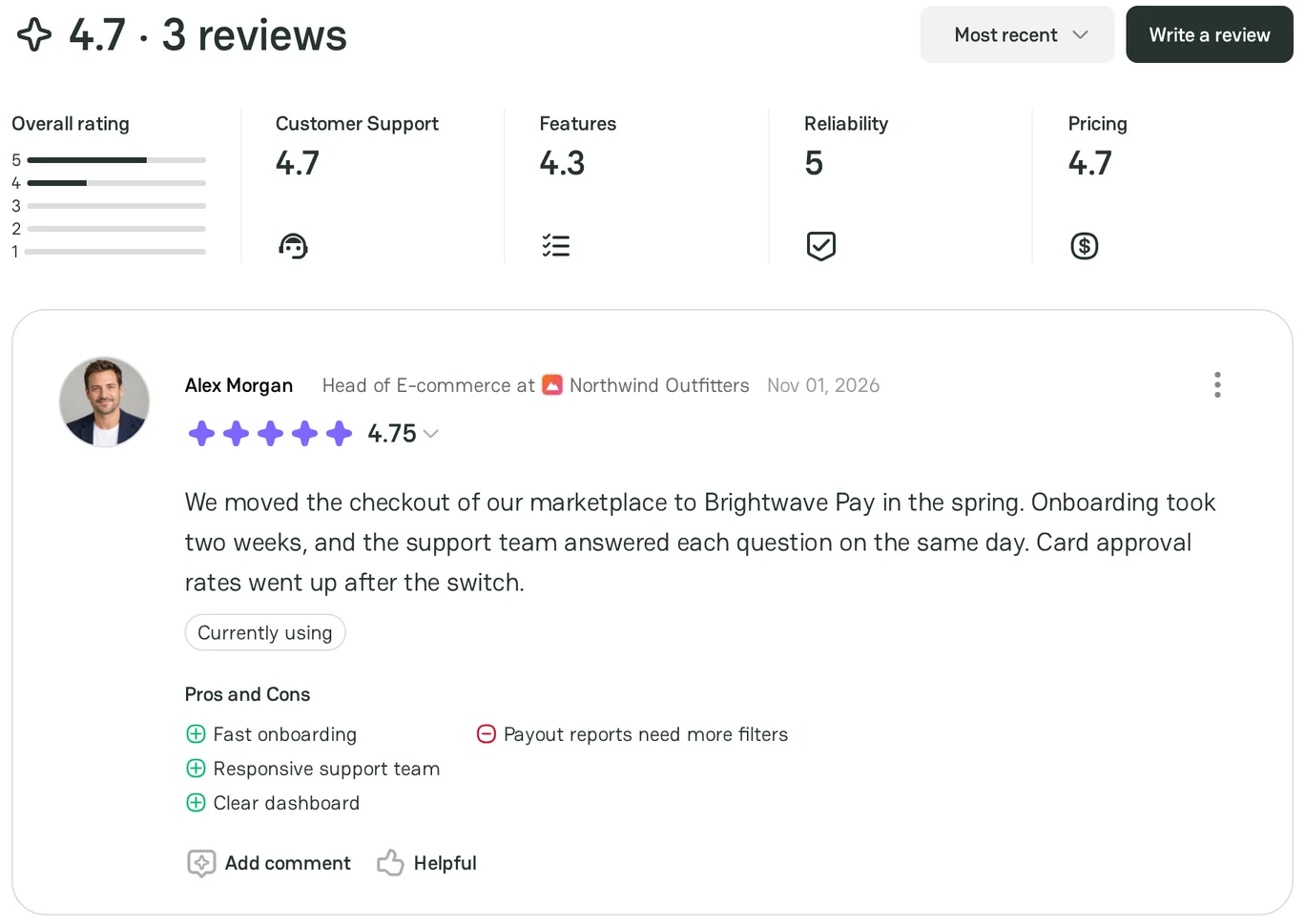
To write your own review, click Write a review. For more information, see Create Review.
Wrong or missing data
Next to the section menu, the profile has two links:
- Suggest change opens an email to the PayAtlas team. Use it to report wrong data in the profile.
- Claim profile opens an email to the PayAtlas team. Use it if you work for the provider and want to manage the profile. For more information, see Claim Company Profile.
Related articles
- To find more providers, see Find a provider in Atlas.
- To manage the profile of your own company, see Manage Company Profile.



Comments