

Add a Trust Badge to your website
Get the code of a free PayAtlas Trust Badge for your published Company and add the badge to your website.
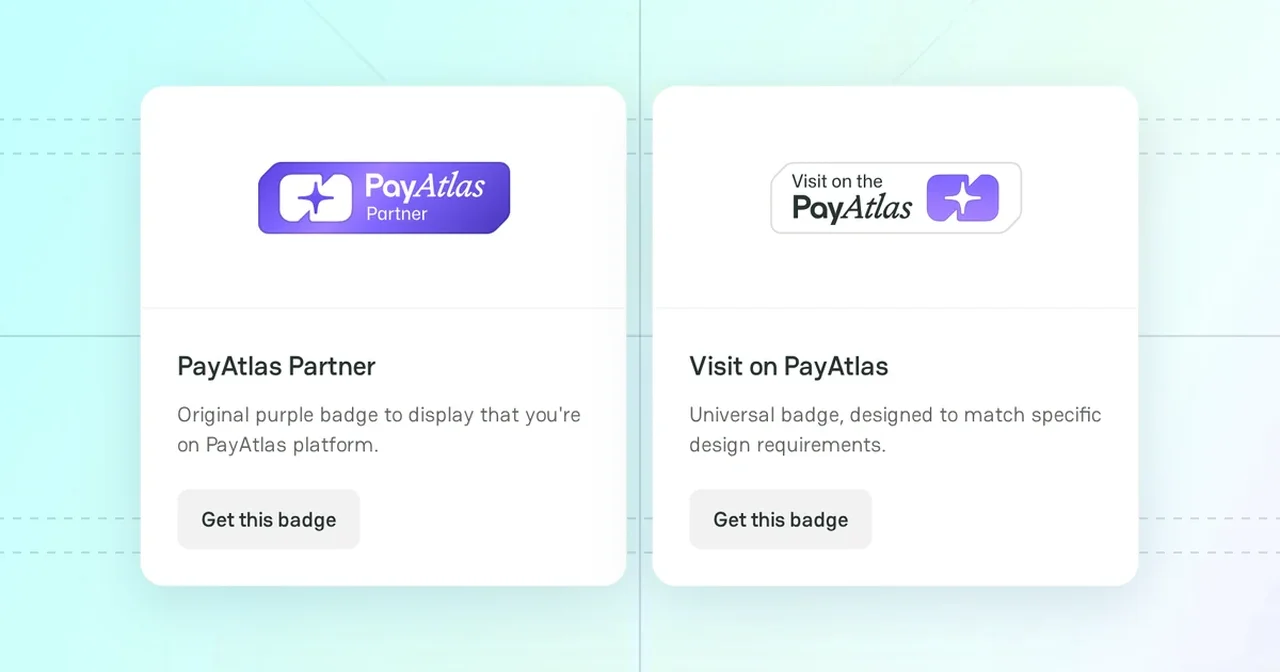
A Trust Badge shows the visitors of your website that your Company has a profile on PayAtlas. The badge links to your public Company Profile. The badge is free.
Make sure that you are a member of a published Company. Each member of a published Company can get a badge for it.
Badge designs
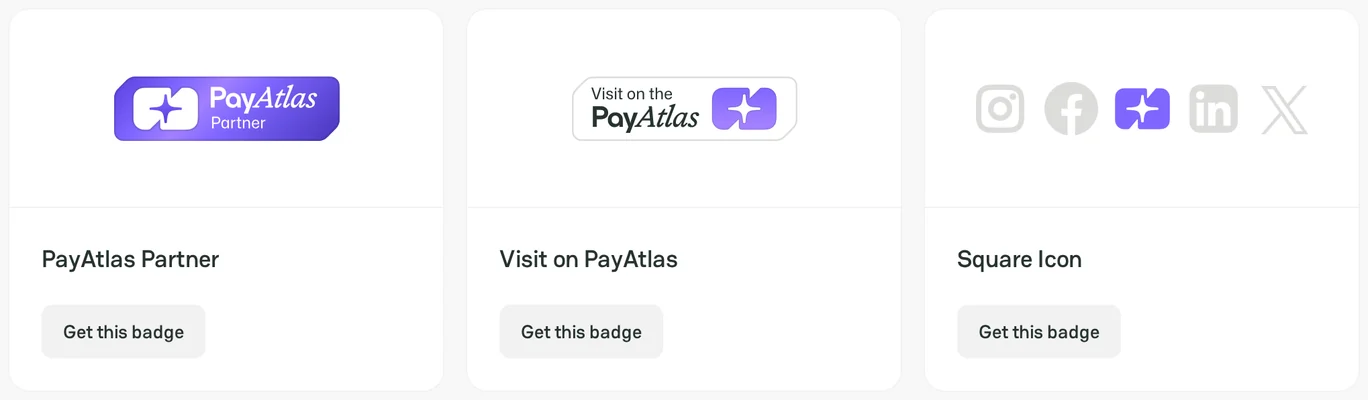
The Trust Badges page offers three designs. Each design is available in purple, black, and white.
| Design | Option in the code window | Use |
|---|---|---|
| PayAtlas Partner | Partner | The purple badge that shows that your company is on PayAtlas |
| Visit on PayAtlas | Profile | A neutral badge for a page with strict design requirements |
| Square Icon | Square | An icon to put in a row with the icons of your social networks |
Badge code
- Open the Trust Badges page. You can also open it from Trust Badges in the site footer.
- Under Get the Badge, click Get this badge on the design that you like. If you are not signed in, Get this badge opens the sign-in window.
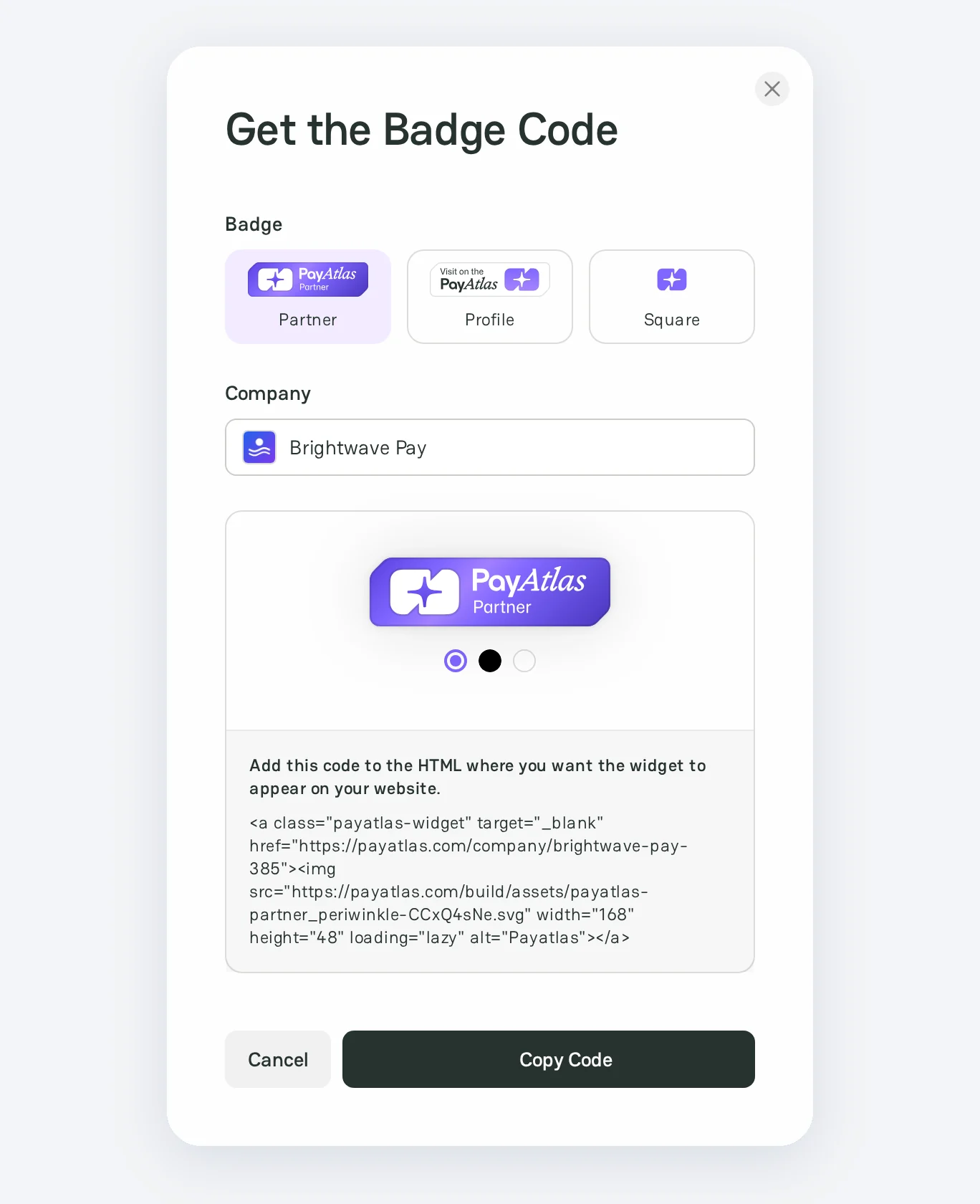
- In the Get the Badge Code window, select the Badge: Partner, Profile, or Square.
- If you are a member of two or more published Companies, select the Company in Company.
- Under the badge preview, select a color.
- Click Copy Code. The button shows Copied!.
What if the Get this badge button is missing?
- If you have no Company, the page shows Create company. To add one, see Add a Company.
- If your Company is not published, the page shows My Companies. To publish the Company, see Launch checklist.
Badge on your website
- Open the HTML code of the page where you want to show the badge.
- Paste the badge code where you want the badge to appear.
- Publish the page.
The badge opens your Company Profile on PayAtlas in a new tab. You can also add the badge to your email signature and your proposals.
Next steps
- To keep your profile up to date for the visitors that the badge brings, see Manage Company Profile.
- To download the PayAtlas logos and icons, see Brand Assets.



Comments