

Merchant overview
Learn how to find a payment provider on PayAtlas, from your account and merchant company to a request, a comparison, and a chat with providers.
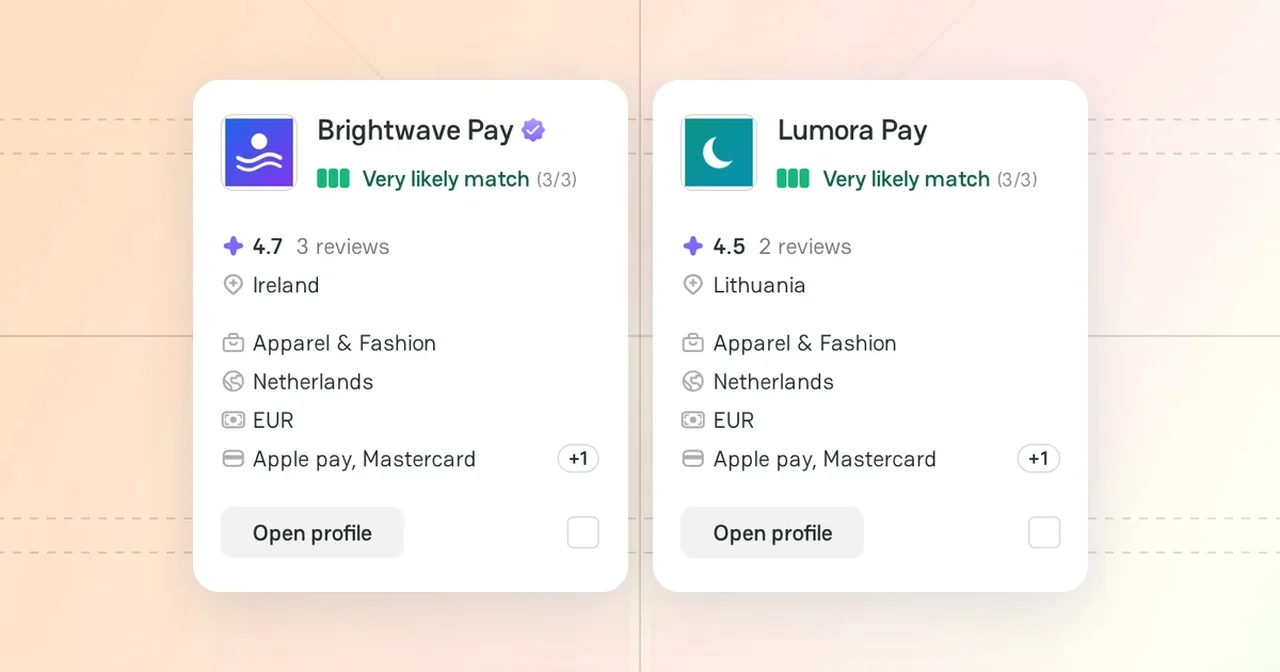
PayAtlas helps your business find a payment provider that fits it. This overview shows the path from your first sign-in to a chat with a provider, and it links to the guide for each step.
Merchant journey
| Step | What you do | Guide |
|---|---|---|
| 1 | Create a PayAtlas account and verify your email. | Create and verify your account |
| 2 | Add a company with the Merchant role. | Add Company |
| 3 | Complete the merchant profile, so that providers understand your business. | Manage merchant profile |
| 4 | Find the providers that match your business. | Find providers with Navigator |
| 5 | Compare two providers side by side. | Compare providers |
| 6 | Post a Merchant Request and send it to the matching providers. | Post a Merchant Request |
| 7 | Talk to the providers in Chats. | Chats |
Steps 4–6 do not have a fixed order. Use the tool that fits your task, or use all of them.
Merchant tools
- Navigator: answer four questions about your business and get a list of providers with a match score for each of them.
- Provider Comparison: see the coverage, the reviews, and the strengths of two providers in one view.
- Connect: describe your needs once in a Merchant Request, so that the matching providers come to you.
- Chats: talk to providers in private conversations on behalf of your company.
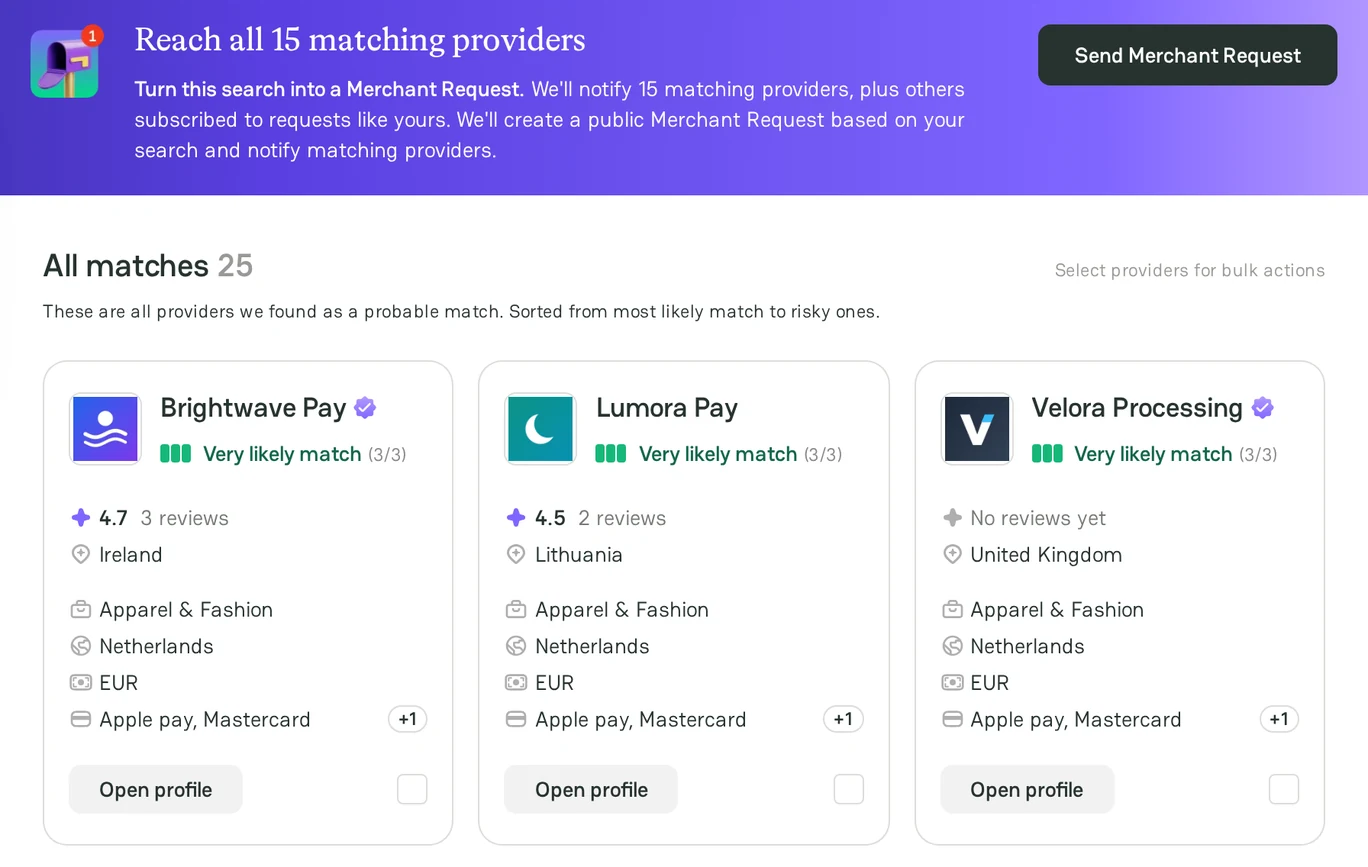
Access to the tools
Some tools work without an account. To contact providers, you need a company with the Merchant role.
| What you can do | Without an account | With an account | With a merchant company |
|---|---|---|---|
| Search in Navigator and see the first results | Yes | Yes | Yes |
| See all Navigator results | No | Yes | Yes |
| Compare two providers | Yes | Yes | Yes |
| Post a Merchant Request | No | No | Yes |
| Send a message to a provider | No | No | Yes |
Related articles
- To learn what a company is and how the merchant and provider roles differ, see Company overview.



Comments