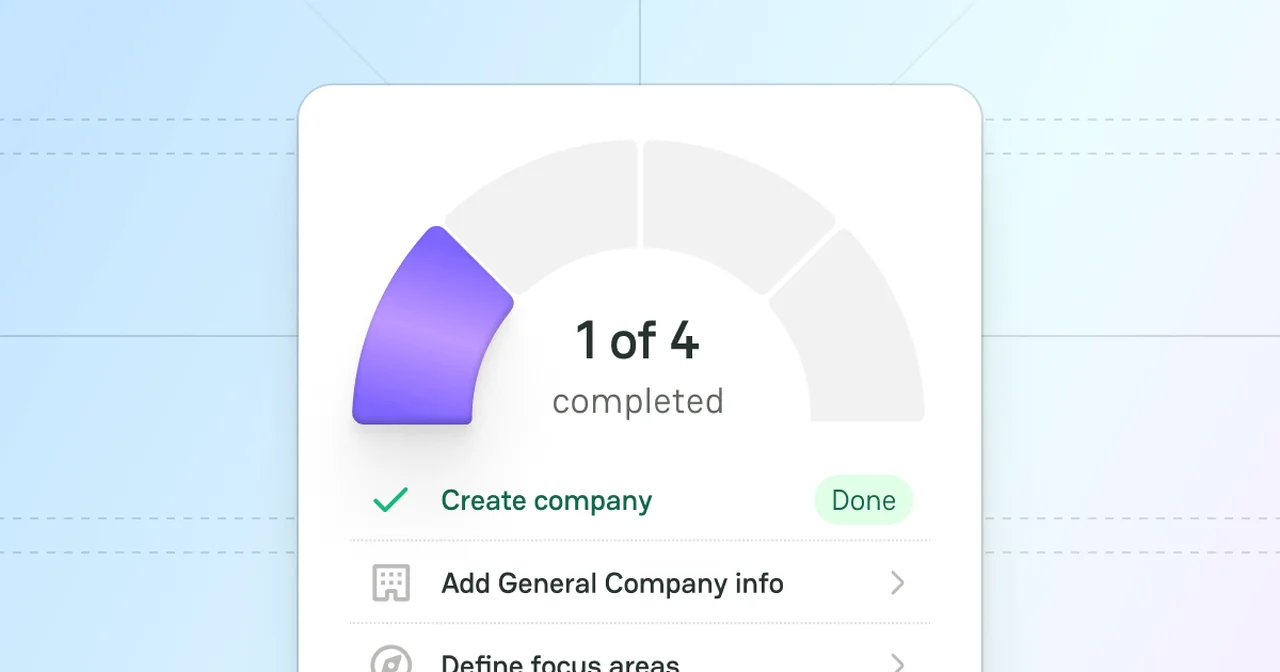
After you have carefully prepared for the launch and created a Profile, follow our checklist to thoroughly examine all the steps needed and ensure you do not miss anything.
✔︎ Create Company
As the Company and the Company Profile entities are interdependent, it is essential to create a Company first. After the creation, you unlock other steps and can surely move to filling in a Profile with all the needed data.
✔︎ Add General Company info
Before specifying your Company details, do not forget to include the general information in your Company Profile. It gives an overview of what value you manage to bring to your clients and what services you deliver. Also, you can emphasise your main focus to ensure you will receive the most targeted Merchants' requests.
Profile Extra is additional information worth mentioning. It includes the Company Headquarters, the time the Company was founded, and the Company size. It verifies that the Company is real, operational, and established. Such details can also influence partnership decisions, especially when business scale or compliance requirements matter.
✔︎ Define Focus areas
Determining your Focus areas gives maximum clarity to your potential clients and partners. It shows the Industries, Services, and Geography, which, in turn, forms a stable vision of your Company and attracts clients with the corresponding needs.
✔︎ Add Supported features
Ensure you outlined your Supported features to your public as the platform users usually filter and search based on specific capabilities. In that respect, your Profile becomes more searchable and is more likely to appear in relevant search results.
✔︎ Invite Members
Inviting team members builds a stronger brand presence, as each member can act as an expert and represent a Company. It increases user engagement with your Company Profile and amplifies their interest in collaboration.
If your PayAtlas checklist is fully filled, you are ready to switch to the Moderation process.
When a Company Profile is published, all links to the Provider's website will be sent with the PayAtlas UTM tag.
Example: https://www.cryptogator.io/?utm_source=payatlas
This allows you to:
⇢ Track the traffic you receive from PayAtlas.
⇢ Analyze the quality of leads and the effectiveness of your presence in our ecosystem.
⇢ Properly build marketing reports in Google Analytics, GA4, Amplitude or other systems.
Cookies enable us to store your preferences and give you a personalized website experience.
We also use cookies for analytics and targeted marketing.
We respect your right to privacy, so you can choose not to allow some types of cookies.
Read our Cookies Policy to learn more.
Necessary Required
These cookies are crucial for the website to perform its main functions and associated services. Simply put: the site can't fully function without them, so disabling them isn't an option.
Marketing
To bring you the most relevant content, we and our advertising partners use marketing cookies. If you choose to disable them, you might see less relevant ads.
Analytics
Analytics cookies provide anonymous insights into how visitors engage with the PayAtlas website, helping us improve user experience and functionality.
Deny
Save My Preferences
PayAtlas
Share your feedback
It goes to our team and shows up on the public board.

 PayAtlas



Comments