

Claim Company Profile

Reasons behind a Profile Claim
There are several cases when this functionality is needed. Thus, let's analyse each in turn:
-
If you are an official representative of a Payment Provider and do not have access to a Profile, you can request management permissions. In such a case, you turn to our support professionals, and after analysing the related details, they might invite you to join the team with the predefined scope of permissions.
-
If you are a user who notices that the Provider data is inaccurate, you can claim the Profile relevance. In this respect, you can report all discrepancies to our support team.
-
If you have experience collaborating with a particular Provider and have proof of a scam, you can claim their Profile. Contact our support team for further communication and analysis.
How to Claim a Profile?
-
Go to Atlas Providers Directory.
-
Navigate to a specific Provider Profile.
-
Point to the sidebar menu and click Claim profile.
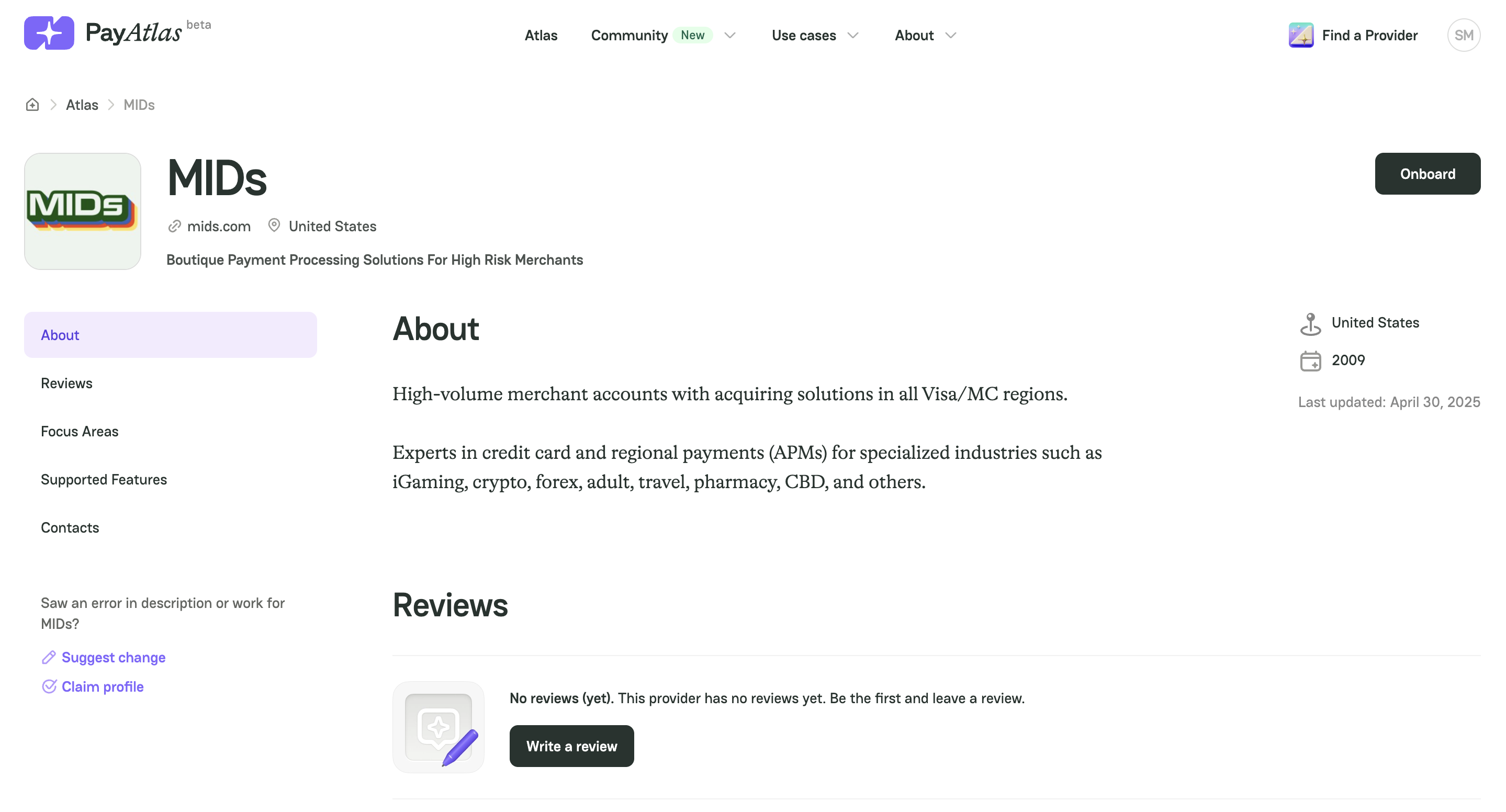
- After clicking the respective button, form your request and mention all the related details and information.
- Then, send your message to our support team, and we will return to you shortly.



Comments