
My Companies
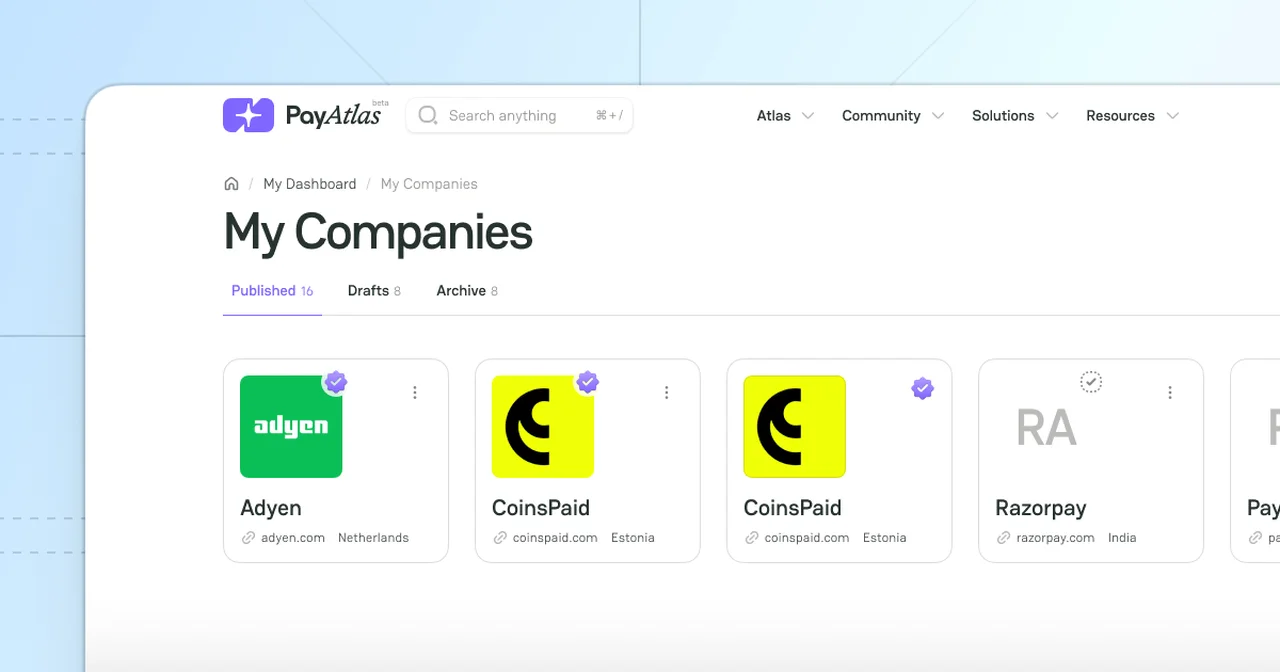
My Companies functionality is the unified page where you can track an overview of all the Companies you created and manage them accordingly. It applies not only to Published Companies but also to your actual Drafts and Archived items.
Learn My Companies navigation
- Put the cursor on the User icon at the top right corner of the main page.
- Click My Companies, and the system redirects you to the My Companies page accordingly.
- The toolbar at the top includes tabs: Published, Drafts and Archive.
- The Published tab contains the Companies that underwent the verification and are successfully available on the platform.
- The Drafts tab refers to the Companies that aren’t public yet.
- The Archive stands for the Companies that are no longer needed.
Manage Companies
- You can view the Companies on each tab and manage their settings.
- To review the options you can apply with a particular Company, click the kebab menu and select the needed option:
- To add other users to your Company, click Invite team member.
- To navigate to the Administration settings of the given Company, click Administration.
- To leave the Company that does not suit your needs or is unavailable, click Leave organisation. Beware: The user with an Owner role cannot leave the organisation.
The provided options are active only for Published Companies and Drafts.
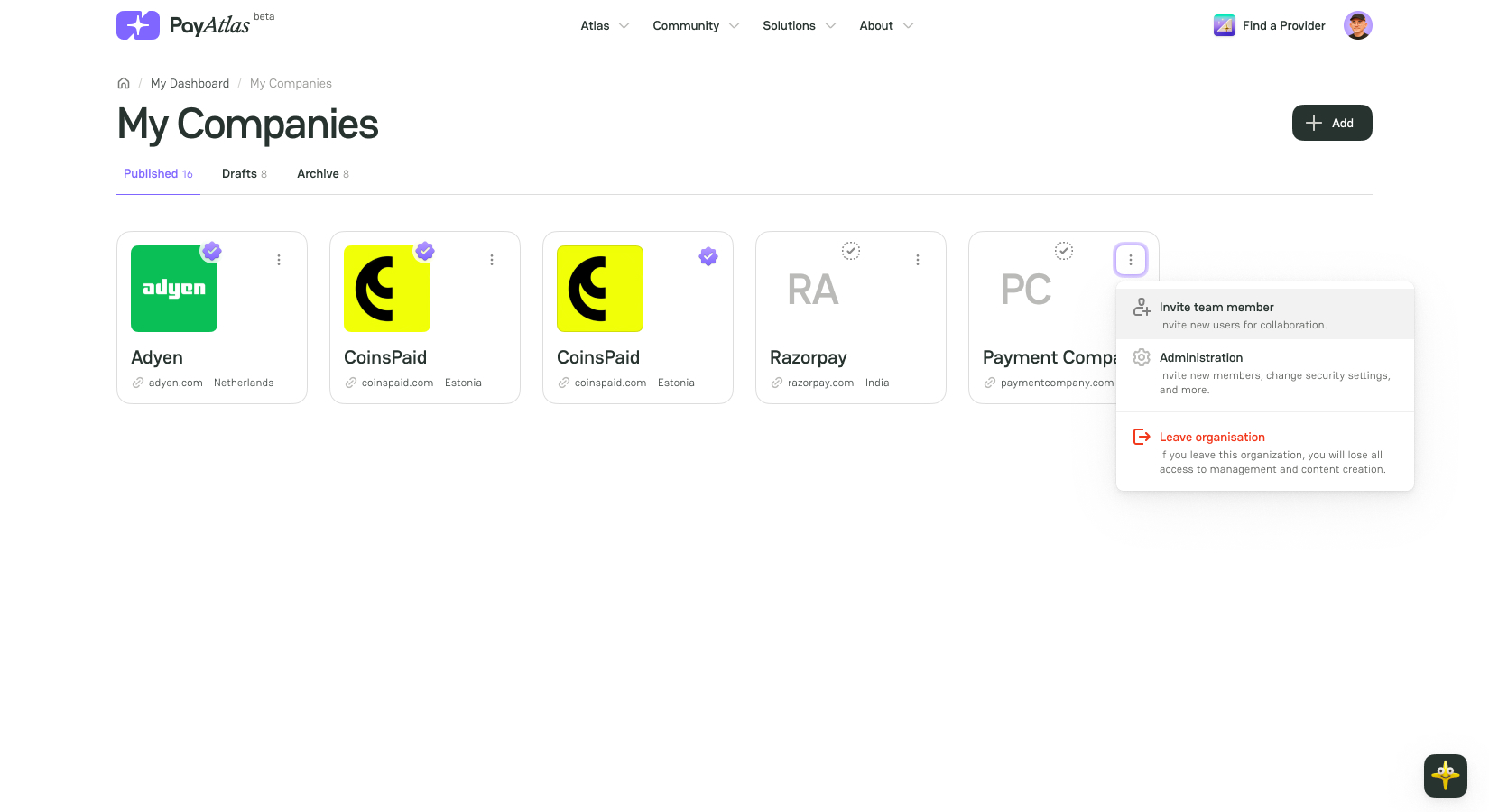
- To get redirected to the specific Company page, click its icon on the My Companies page.
- If you haven’t created any Company yet, go to the Add Company guide to learn the details.


Comments