

Account overview
Learn how to create your PayAtlas account, set up your profile and settings, keep the account secure, and track your activity.
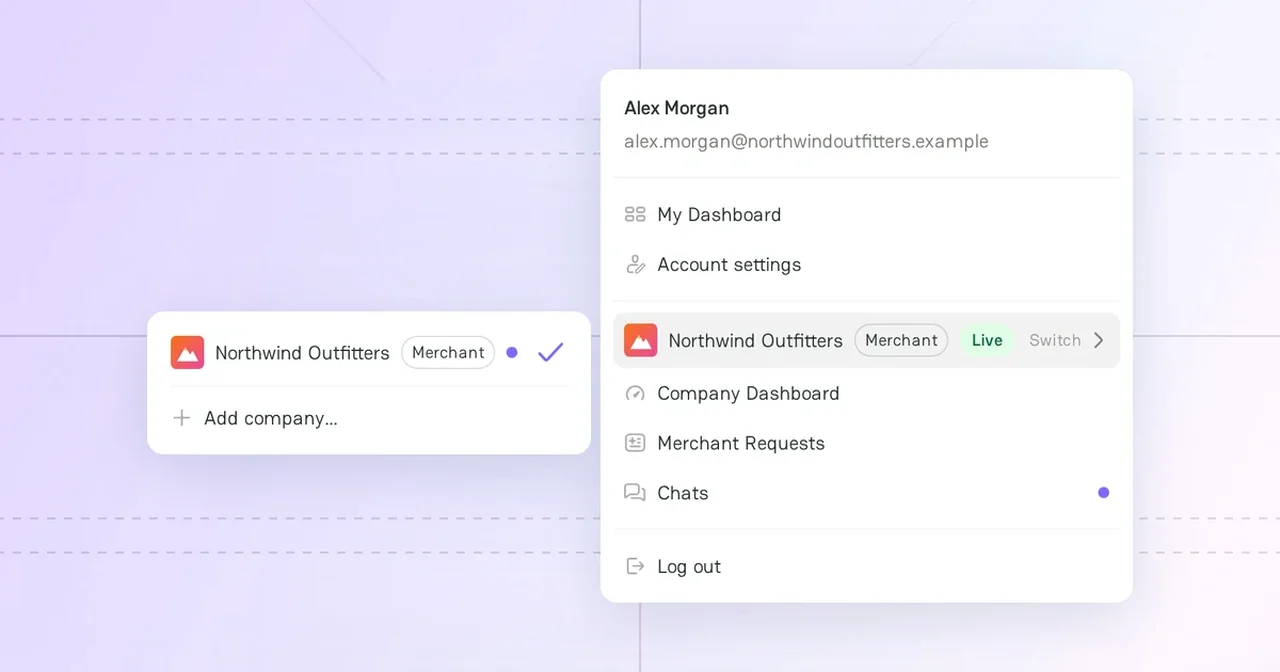
Your PayAtlas account gives you access to all features of the platform. With one account, you can add companies, send requests to providers, chat, and publish content. You can also show your professional profile to other users.
Account features
| Feature | What you can do | Article |
|---|---|---|
| Account | Sign up with your email, Google, or LinkedIn. Log in and reset your password. | Create and verify your account |
| User Profile | Add your photo, role, bio, and public contacts. | Manage your user profile |
| Expert Profile and Work Availability | Offer your services as an expert or show that you are open to work. | Edit account settings |
| Security | Change your password and turn on two-factor authentication. | Apply security options |
| Notifications | Choose the email topics that you get from PayAtlas. | Choose your email notifications |
| My Dashboard | See the companies and content that you created. | Discover My Dashboard |
| Company | Add a merchant or a provider company to your account. | Add a Company |
Account settings
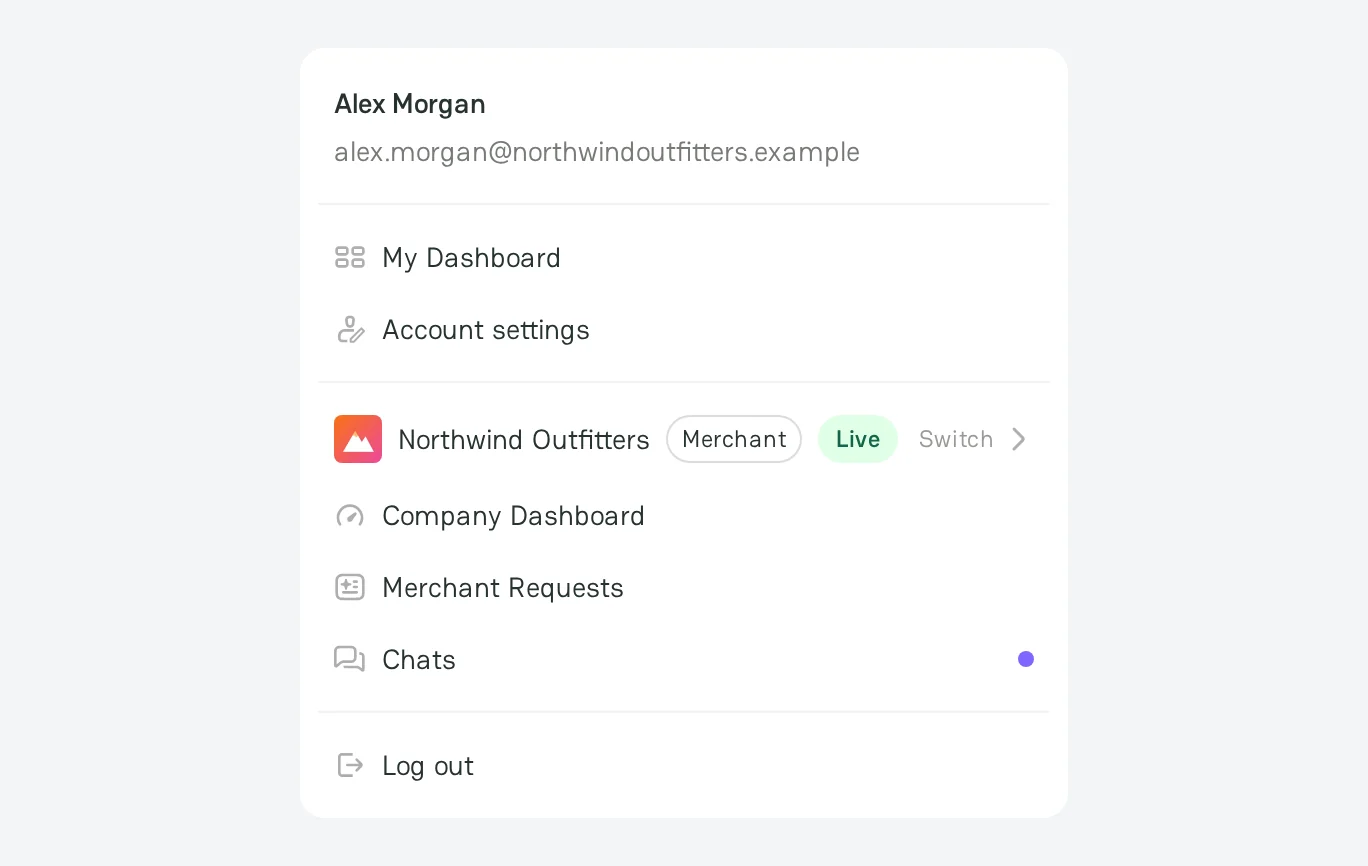
To open your settings, click your avatar in the top-right corner of the page, and then click Account settings. The page has these tabs:
- User Profile: your public profile and contacts.
- Expert Profile: your services in the Experts directory.
- Work Availability: the Open to Work badge.
- Account: the linked Google and LinkedIn accounts, and the deletion of the account.
- Security: the password and two-factor authentication.
- Notifications: the email topics.



Comments