

Support
If you have a question about PayAtlas or a problem with your account, the PayAtlas Support team helps you. This article lists the channel for each type of request.
Support team
To ask a question or report a problem, send an email to support@payatlas.com. To get an answer faster, add these details to your email:
- The email address of your PayAtlas account.
- The link to the page where the problem occurs.
- A short description of the problem and a screenshot, if you have one.
Company Profile changes
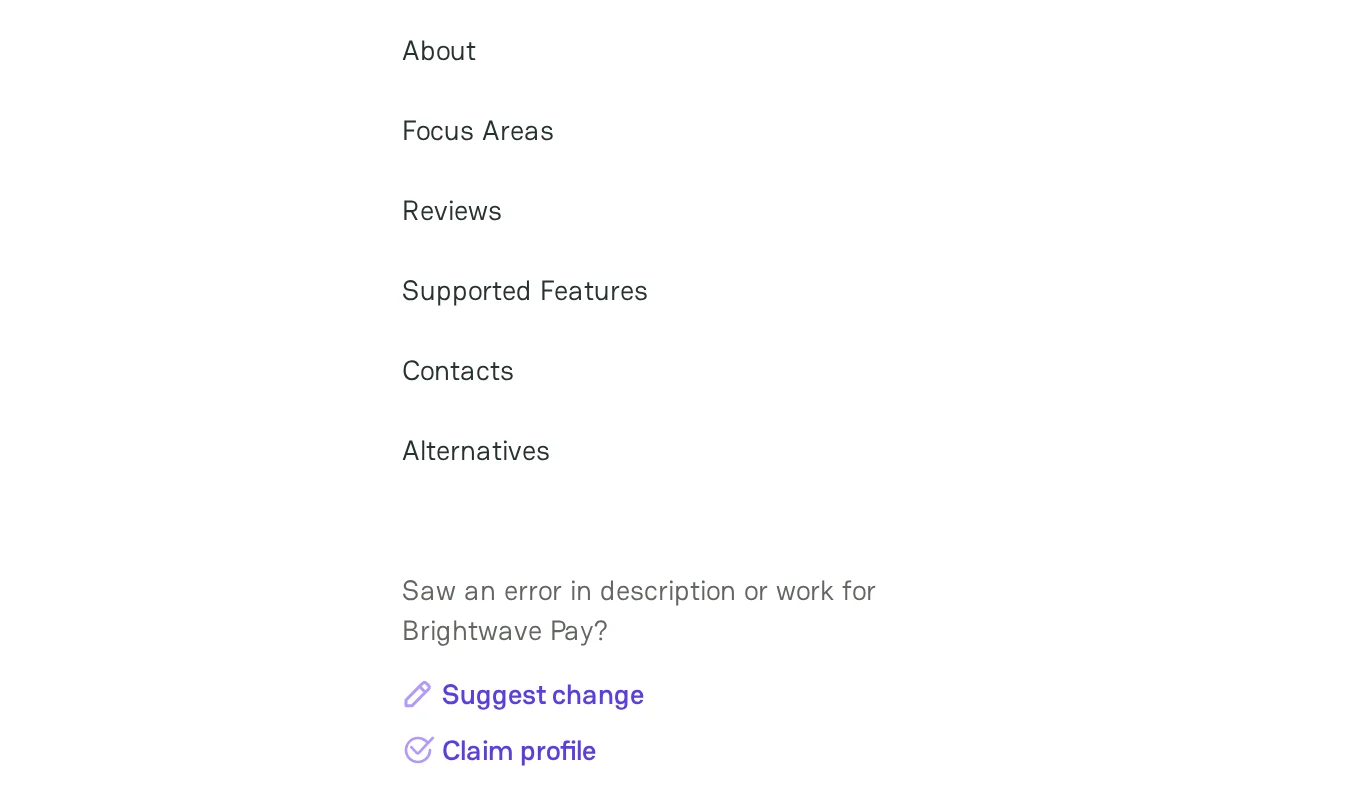
The sidebar of each Company Profile in Atlas has the Suggest change and Claim profile links. Each link opens a new email to support@payatlas.com in your email app.
Suggest a change to a Company Profile
- Open the Company Profile in Atlas.
- In the sidebar, click Suggest change.
- In the email, describe the data that is wrong and give the correct value. Add a link to a source that confirms it, for example the website of the company.
- Send the email.
Claim a Company Profile
If you represent the company and have no access to its Company Profile, click Claim profile in the sidebar. To learn when and how to claim a profile, see Claim Company Profile.
Product feedback
To suggest a feature, report a bug, or ask a question about the product, send your feedback from any page:
- At the bottom right of the page, click the Leave feedback icon.
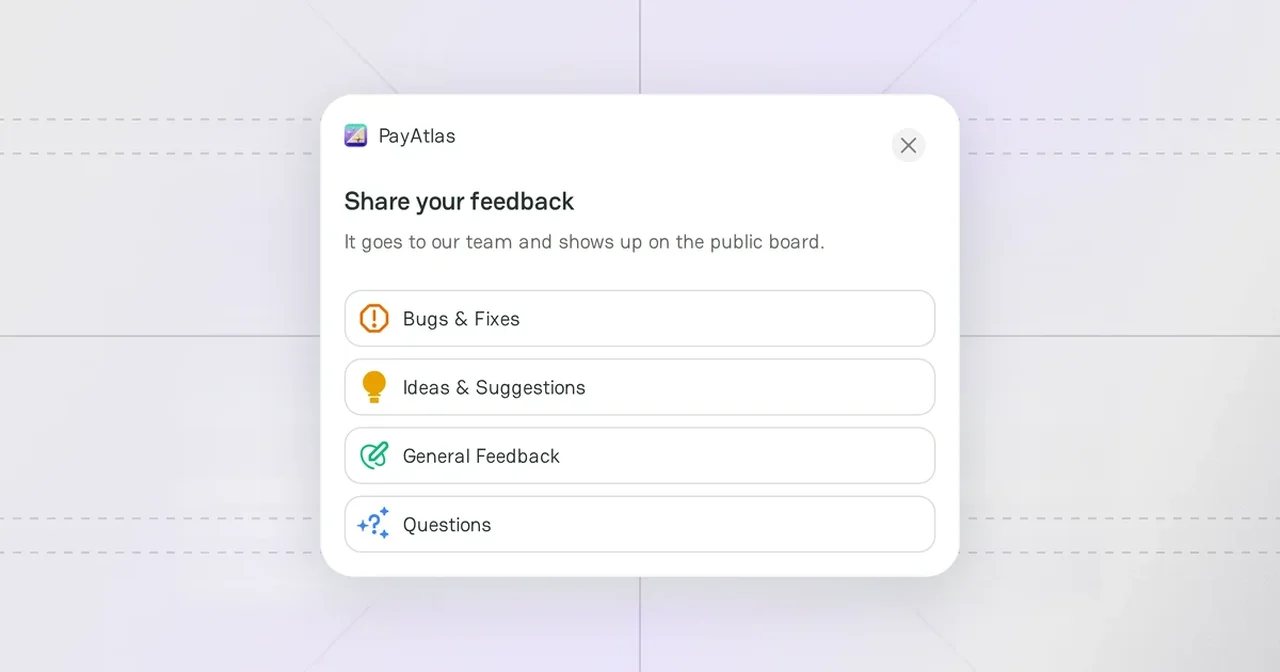
- In the Share your feedback window, select the type of feedback: Bugs & Fixes, Ideas & Suggestions, General Feedback, or Questions.
- Enter the Title and the Details. To show the problem, click Add image and attach a screenshot.
- If you are not signed in, enter your name and email, so that the team can contact you.
- Click Send.
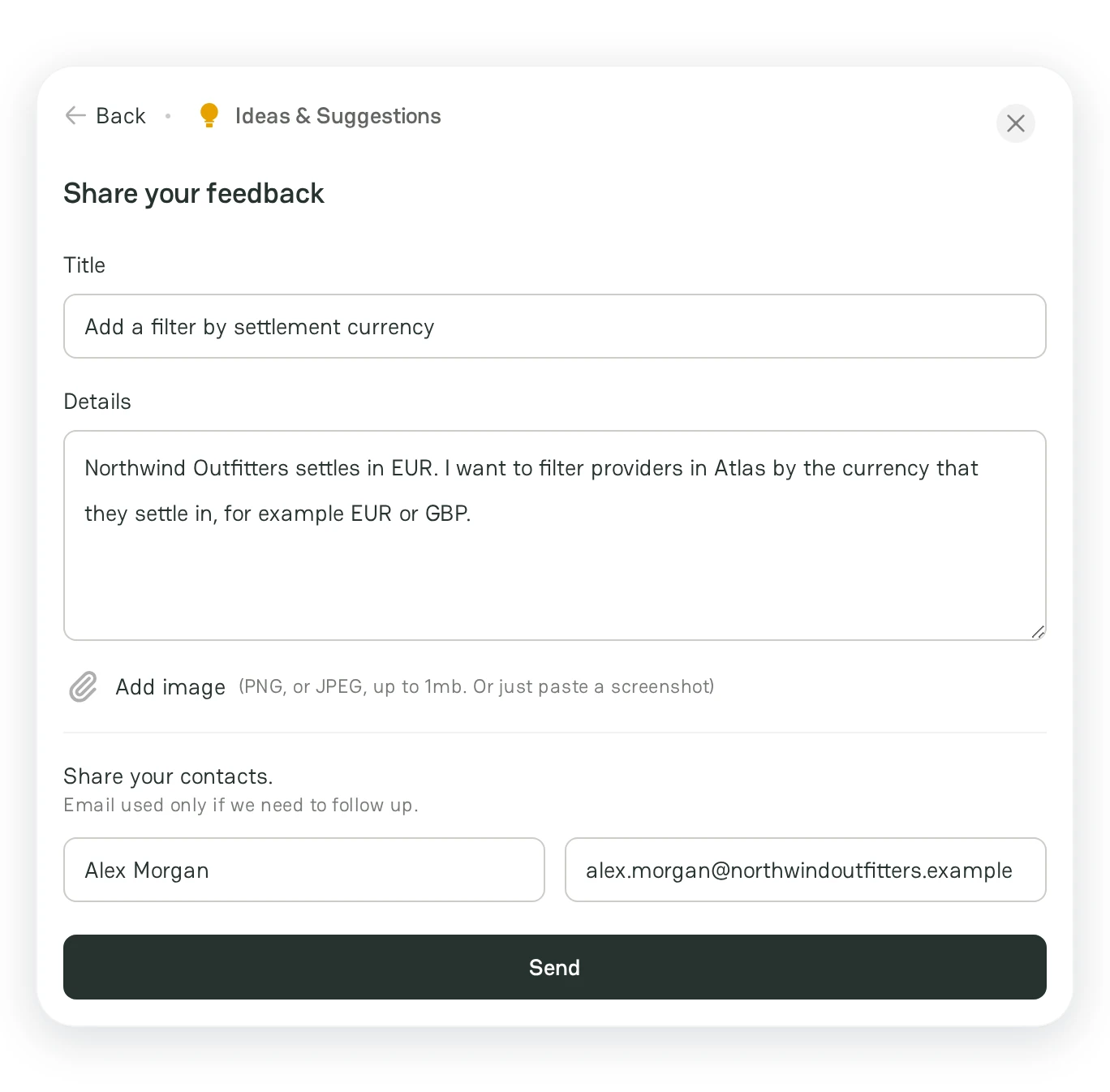
Your feedback goes to the PayAtlas team and shows up as a post on the public Product feedback board. Other users can upvote and comment on it. To add a post from the board, click Create a post.



Comments