

Choose your email notifications
Choose the topics of the emails that PayAtlas sends you, from product updates to the weekly Digest.
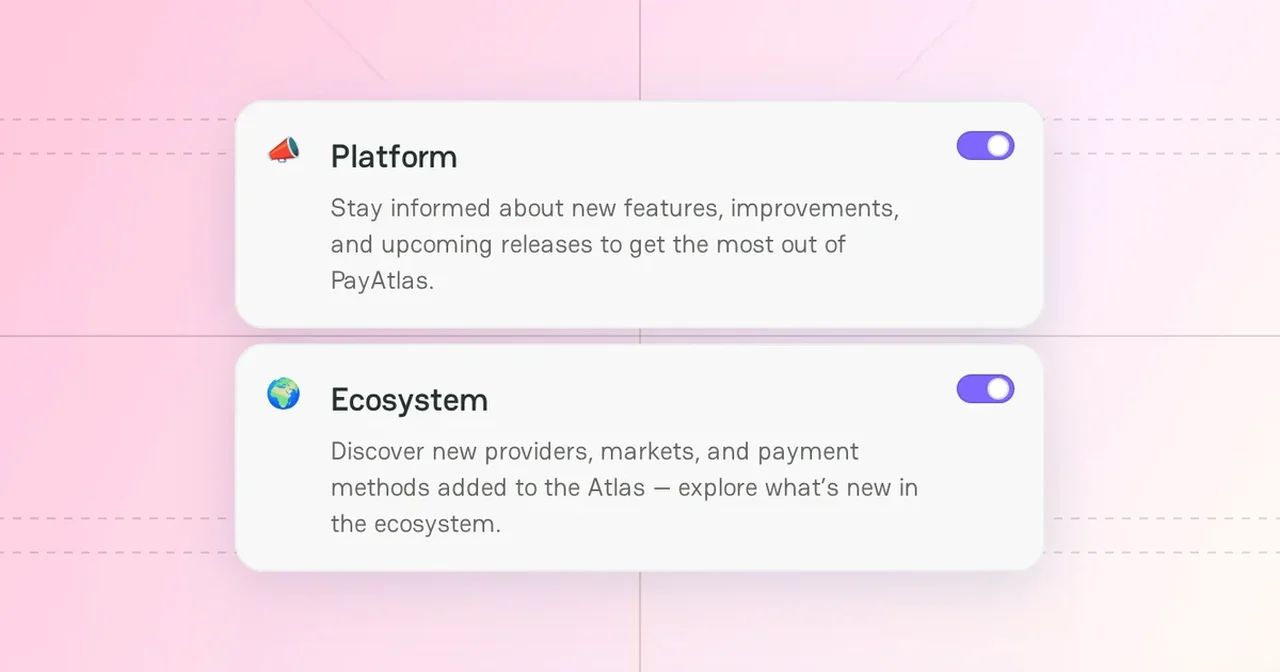
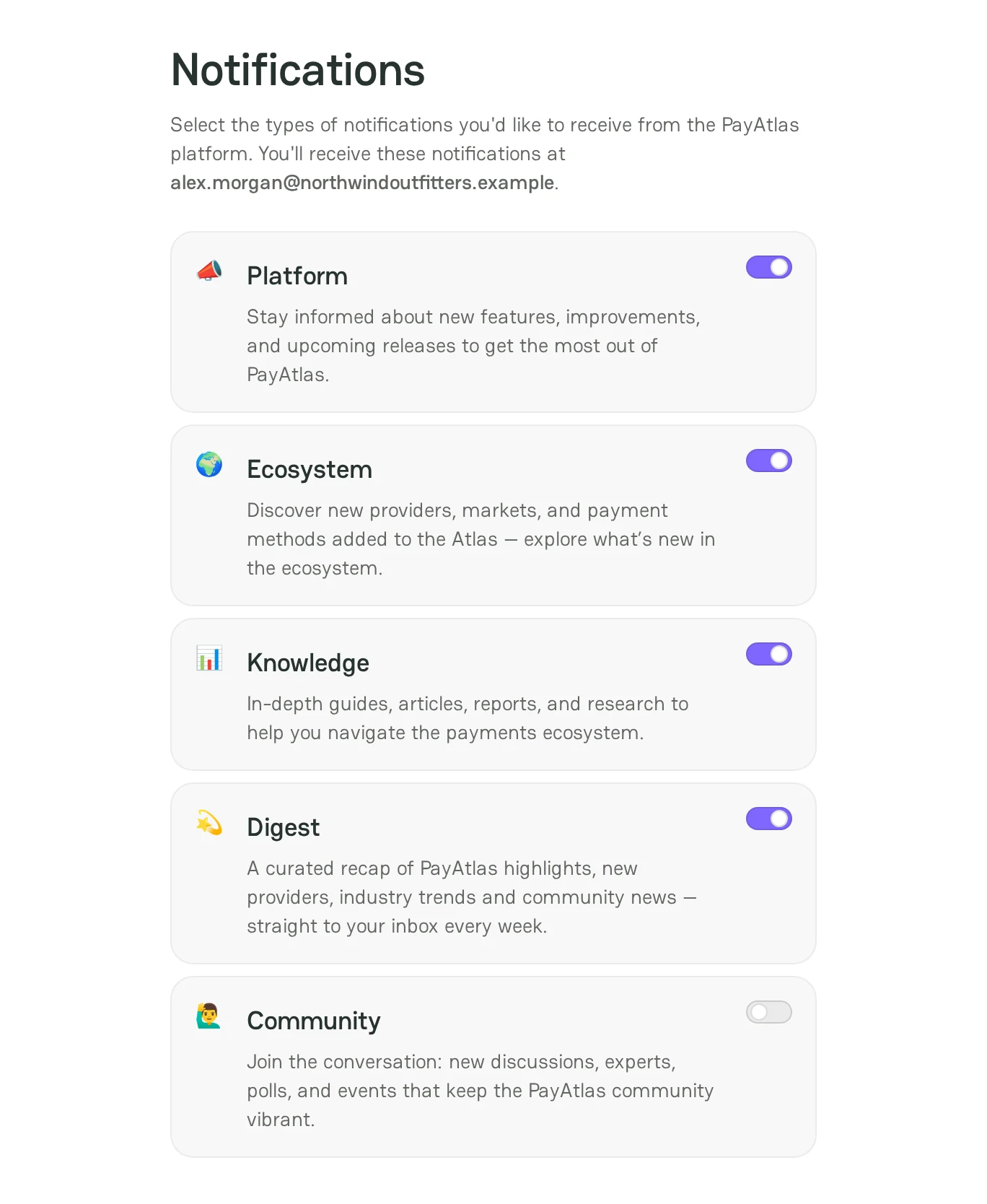
PayAtlas sends emails on five topics. Turn on the topics that are useful for you and turn off the others. PayAtlas sends the emails to your login email.
Email topics
| Topic | What you get | On by default |
|---|---|---|
| Platform | New features, improvements, and upcoming releases of PayAtlas | Yes |
| Ecosystem | New providers, markets, and payment methods in Atlas | Yes |
| Knowledge | Guides, articles, reports, and research about payments | Yes |
| Digest | A weekly recap of PayAtlas highlights, new providers, industry trends, and community news | Yes |
| Community | New discussions, experts, polls, and events | No |
Change the topics
- Click your avatar in the top-right corner of the page, and then click Account settings.
- Click the Notifications tab.
- Turn on or turn off the toggle of each topic.
PayAtlas saves each change at once and shows the message Notification settings updated.
To stop one topic from an email, click the unsubscribe link at the bottom of the email.
Activity notifications
The email topics do not control the notifications about your activity, such as new chat messages, merchant requests, comments, and invitations to a company. PayAtlas shows these notifications in the notification center in the page header.
- For more information about the notification center, see Notification center.
- To choose the email notifications about chat messages, see Chats.



Comments